

Feature Freeze
Accordion Fix
Yesterday evening I was looking over our app and found that one of our features had stopped working. On the add fixtures page we used to have an accordion box, which when clicked would open up to reveal all the fixtures that had been added already. Here is an example of an accordion on bootstraps website
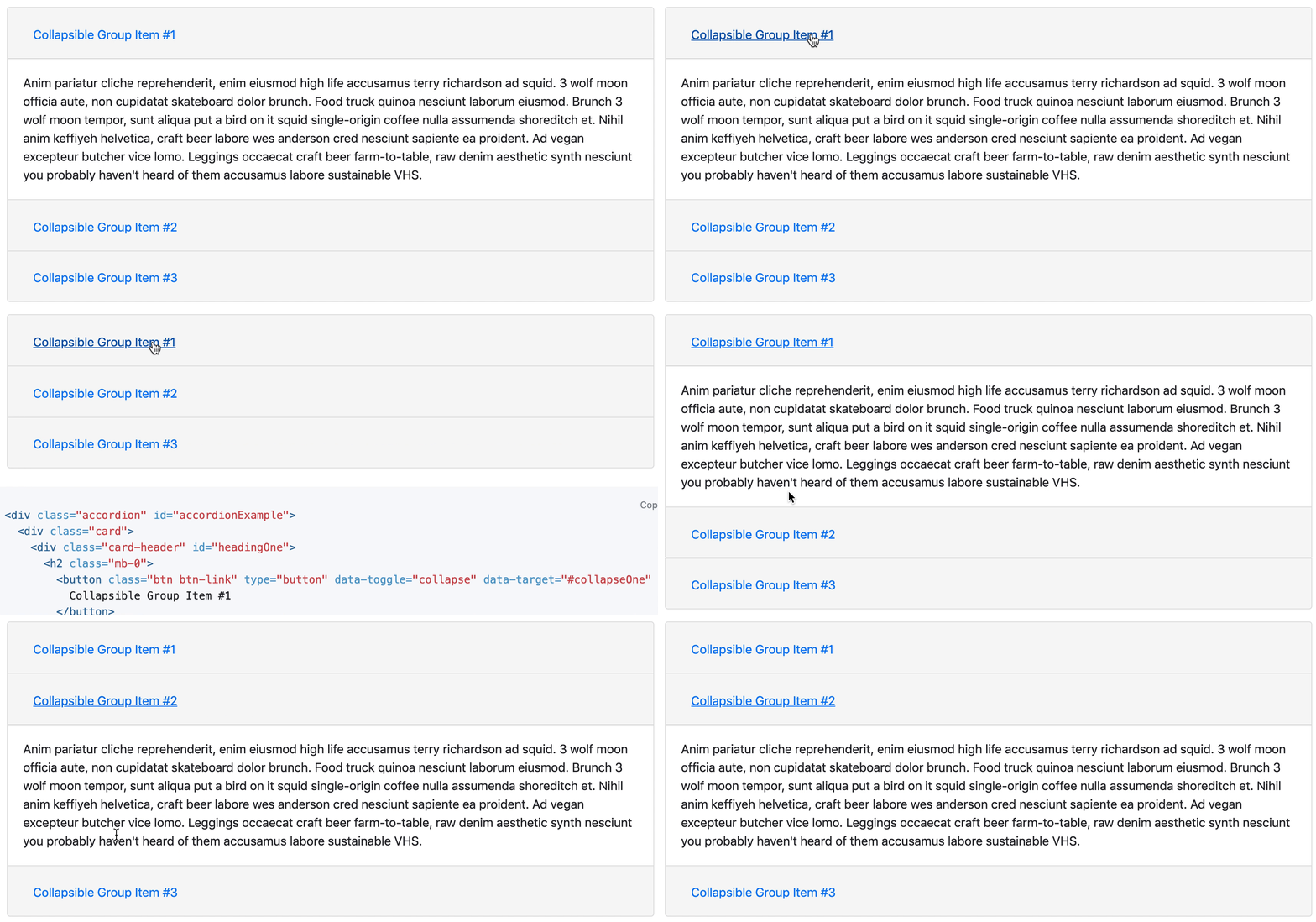
When we fixed the navbar we had to remove some scripts in our HTML page, which in turn broke the accordion. There was no way of fixing both as they were, so I implemented a different fix.
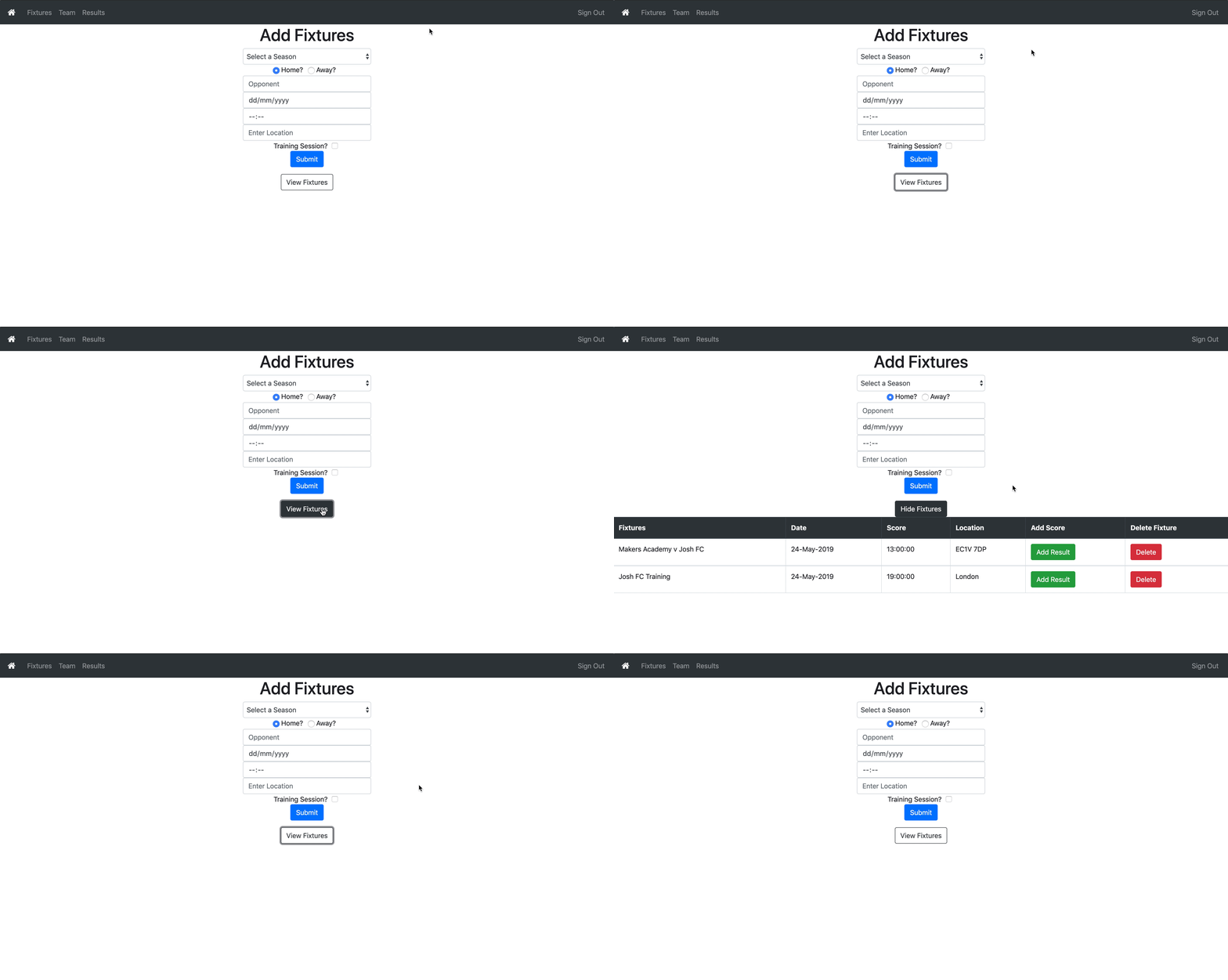
I installed react-bootstrap, and found a similar method on there. I dumbed it down a bit to fit our needs, basically there is a button which changes a state called open from false to true. Another element checks this state, and opens depending on what it is. Clicking the button again flips it back, and the other element reacts accordingly.
<pre class="wp-block-syntaxhighlighter-code brush: jscript; notranslate"> <Button variant={(this.state.open? 'dark' : 'outline-dark')} onClick={() => this.setState({open: !this.state.open })} aria-controls="example-collapse-text" aria-expanded={this.state.open}>{(this.state.open? 'Hide' : 'View')+' Fixtures'}</Button>

<Fade in={this.state.open}>
  <div id="example-collapse-text">
    <table class="table table-bordered">
      {headers}
      {contents}
    </table>
  </div>
</Fade></pre>
Which looks like this:
Map
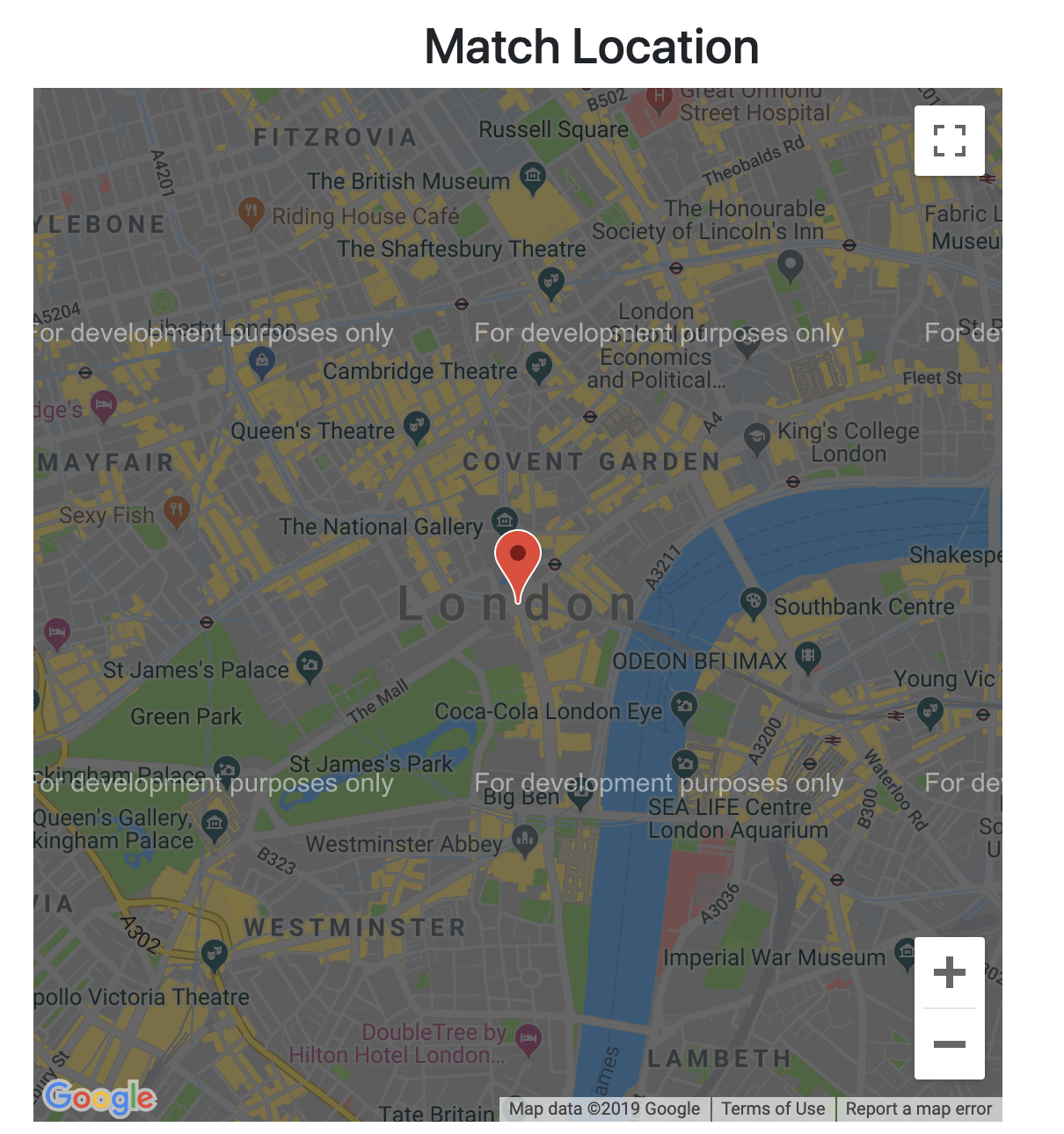
One of the extra features we wanted to implement was showing our next match location on a map. Phil did find a tutorial to do it with Google Maps API, but this was not free so the map would show development mode only over the top.
I did some googling and came across Leaflet Map which is an open source alternative. It used coordinates instead of a location name however so I had to find a way of getting coordinates out of the location entered by the user. I had a feeling that I had seen coordinates somewhere else already, so I had a look around our code, and found that when we searched in the weather API for a location, it would send back coordinates for that location. Knowing this, it was easy to extract those from the response and put them into my map to give me a location!
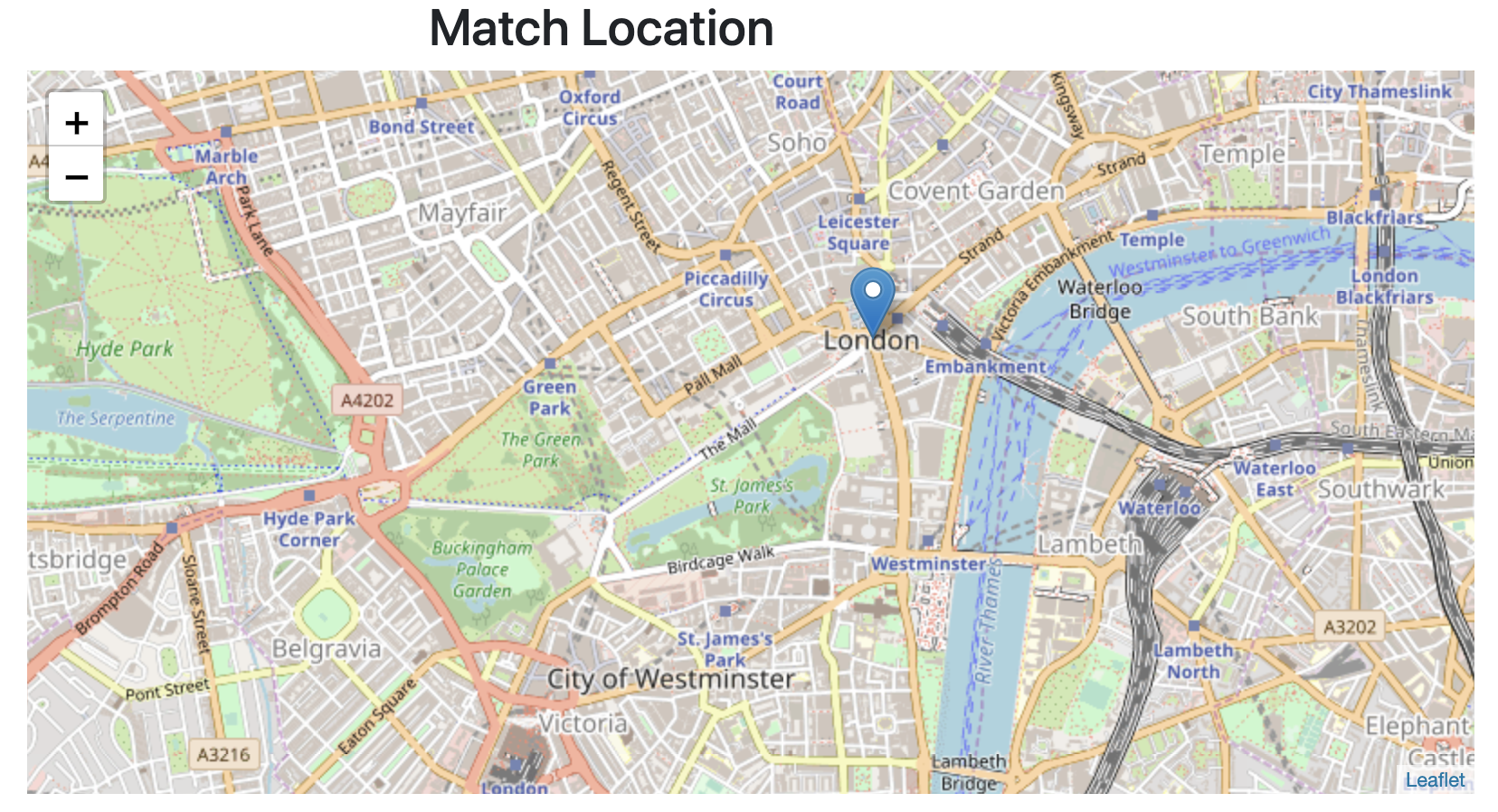
Now it worked! The only problem with this was it relied on the weather api returning location correctly, and also was not specific, it could really only find locations such as ‘London’ rather than a specific address.
I wanted to make this even better, so I decided a needed a way to get coordinates for a specific location, no matter what was entered. I looked online to find a free open source geocoder to use. A geocoder converts a location into coordinates. I found Nominatim which ran off of OpenStreetMap. They have an API that lets you search for a location, and returns coordinates, which was exactly what I needed. Now instead of passing my weather coordinates into the Map, I could pass those coordinates, which meant I could pinpoint much more accurately a location. You could still keep it as a general location:
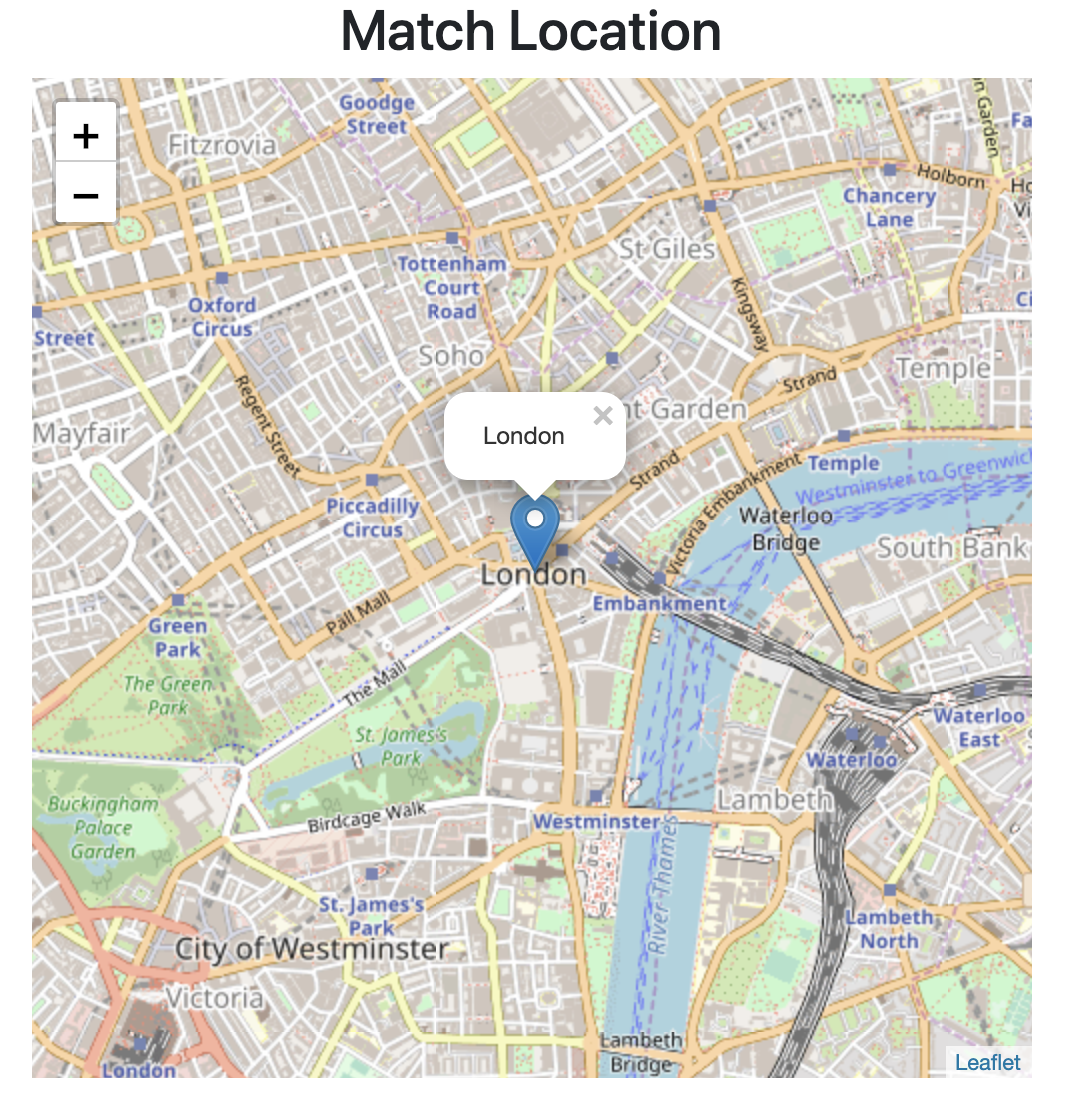
But putting in an address or postcode will pinpoint that location:

Weather Again
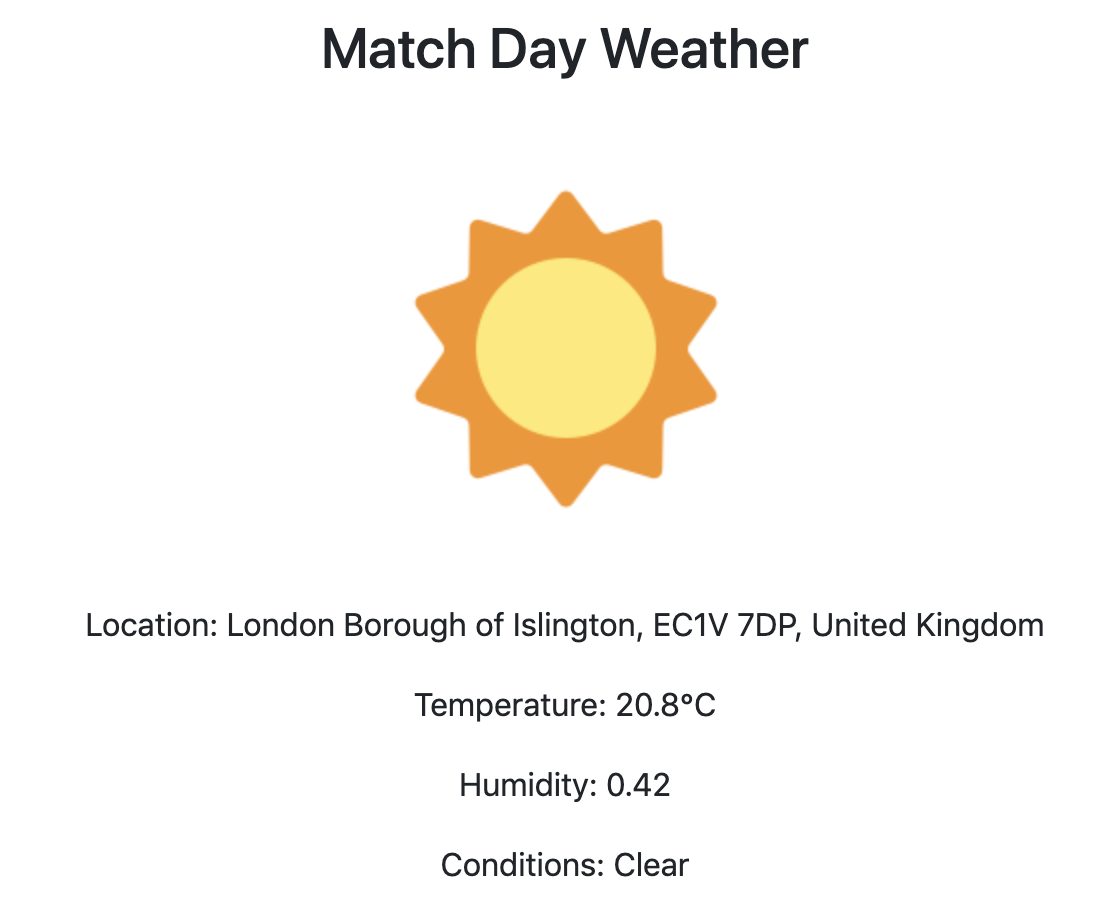
Now that I had accurate location coordinates, I decided I might as well improve the accuracy of our weather forecast. At the moment it forecasts based on a general location (like a city) and can only show the current weather. I looked on google and decided we should switch to DarkSky as this would allow us to enter coordinates and also a date and time to get a weather forecast back. I had all this information already, so changing the API call was pretty easy.
Little Improvements
I added a couple of little touches at the end. An updated 404 page:

And a favicon:

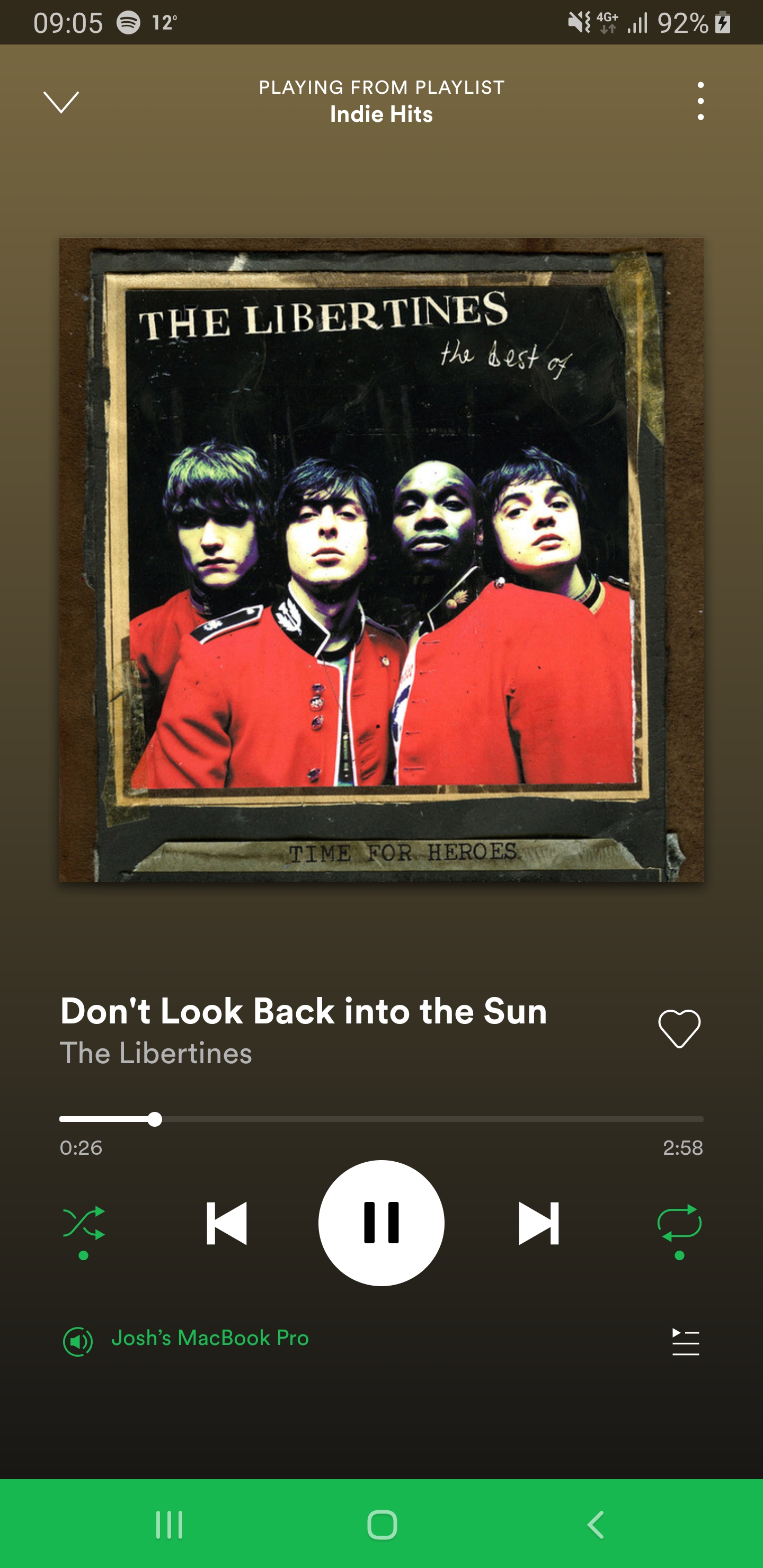
Todays song of the day
 Josh's Blog