

Fixing Weather and Permission Based Views
Weather
I managed to fix the issue I was having with weather this morning. Again the issue was to do with the asynchronous rendering, so I added in a conditional render that checked if the location was set before passing it to the weather class. This way the weather is only ever rendered if there is actually a location to search for.
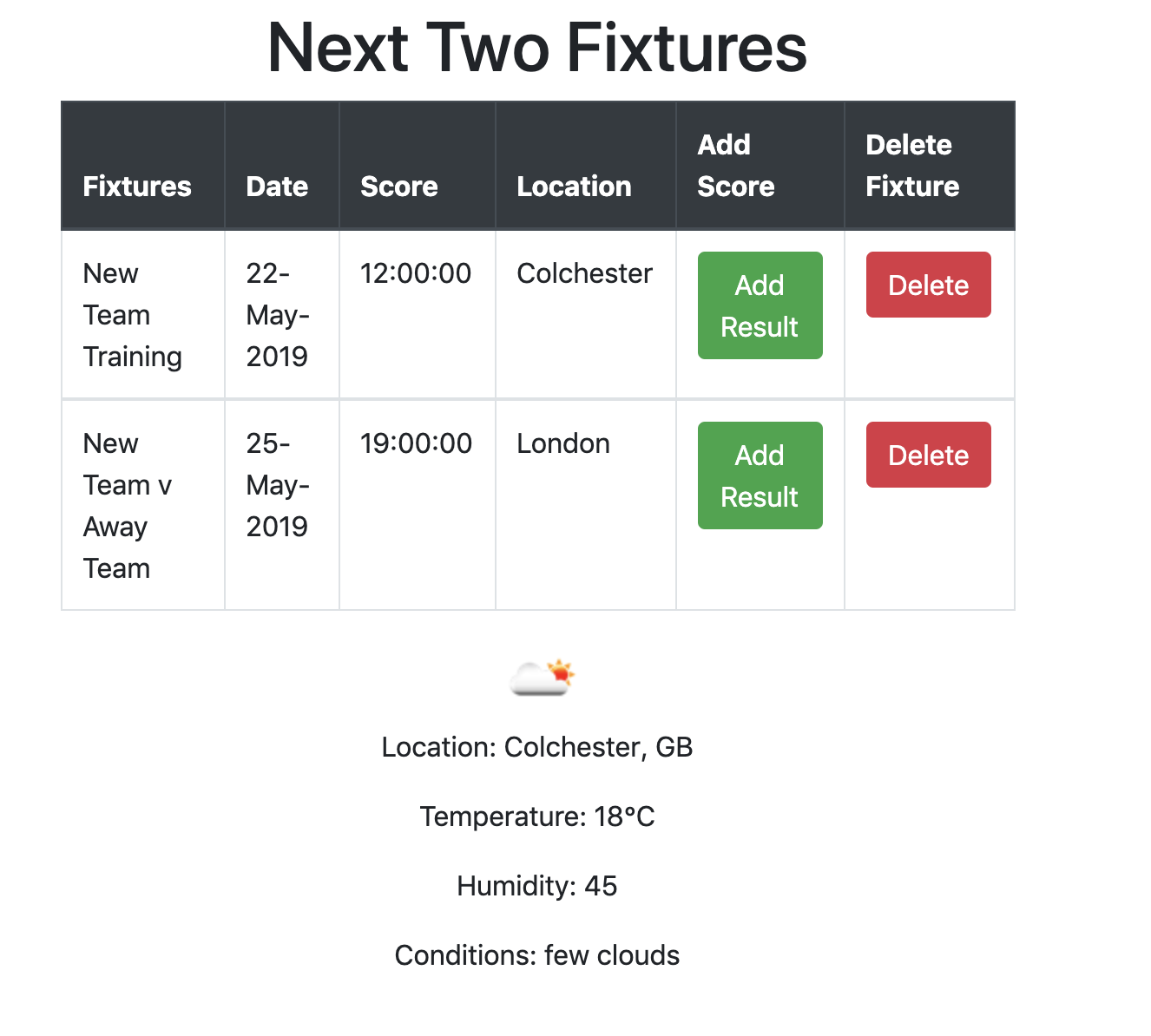
I also found that OpenWeatherMap has icons for each of the weather types, so I added that in with a simple <img> tag going to there website.
<img src={'http://openweathermap.org/img/w/'+this.state.weatherId+'.png'} alt="Weather Icon"/>
this.state.weatherID is taken from the response from the API. This gives us this as the end result:

The forecast is changed automatically based on the next fixture location.
Landing Page
I was pretty happy with the weather now, so moved on to looking at making our landing page look nice. We were using containers in Bootstrap to position the 4 main elements of the page, but they were all squeezed into the centre.

I looked in the console and saw some styling that was causing this, so I removed it to change it to this. It doesn’t look much better, but there is a lot more room, the screenshots are just zoomed out a lot!
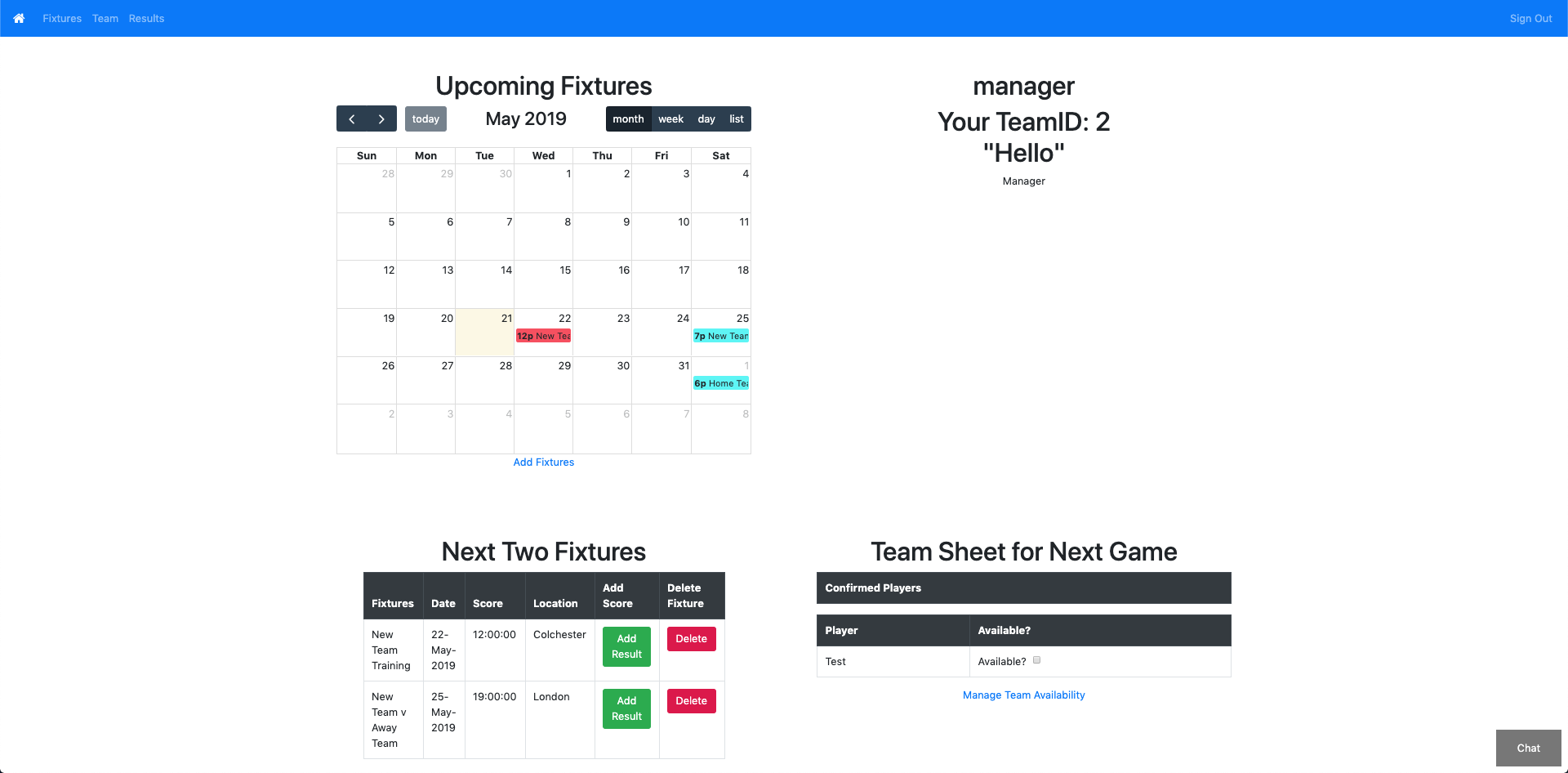
You may also be able to see I moved the links to places that make more sense, Add Fixtures is now under the calendar, and Availability has been renamed and moved under the team sheet. The space in the top right is where our pitch will be going today.
Permissions
Currently it makes no difference if you are signed in as a manager or a player, you will still be able to add fixtures, scores, delete players etc. Obviously this isn’t how we want it to be, so I looked at changing it. I felt like it was going to be quite easy, we already have role defined and pulled through onto most of our pages, so I just needed to add some conditionals in to only render certain things for managers. On the landing page, those things are the links below the calendar and team sheet, and the buttons in the next two fixtures. The links were easy, I could do that in the HTML using ThymeLeaf.
<div th:if="${role == 'manager'}">
                    <a href="/availability">Manage Team Availability</a>
</div>
The buttons were a little harder though. I went through how I was rendering tables in a previous post, by defining the headers outside of the render, and the content in a different class. In the class where the table was being rendered and the headers set, all I had to do was change the headers that were going to show up. For players, they would not need to see the Add Result and Delete columns. So I added two new constants, one called managerHeaders and one called playerHeaders. Then my original headers constant changed to be an if, which checked the role and rendered the correct set of headers accordingly.
const managerHeaders =   <thead class="thead-dark">
                        <tr>
                            <th>Fixtures</th>
                            <th>Date</th>
                            <th>Score</th>
                            <th>Location</th>
                            <th>Add Score</th>
                            <th>Delete Fixture</th>
                        </tr>
                    </thead>

        const playerHeaders =   <thead class="thead-dark">
                                <tr>
                                    <th>Fixtures</th>
                                    <th>Date</th>
                                    <th>Score</th>
                                    <th>Location</th>
                                </tr>
                            </thead>

        const headers = (this.state.role === 'manager' ? managerHeaders : playerHeaders)
So the headers at the top of the table would now change depending on role. However the content would not, for that I had to go into the class where the content was created.
I tried doing something similar for the content, but setting it as a constant would not work. Instead I had to put a conditional in my render, and return different contents.
    render() {
    if(this.state.role === 'manager'){
    return (
            <tbody>
              <td>{this.props.item.fixture}</td>
              <td>{this.prettyDate(this.props.item.date)}</td>
              <td>{(this.props.item.result === null ? this.prettyTime(this.props.item.date) : this.props.item.result)}</td>
              <td>{this.props.item.location}</td>
              <td>{this.state.showComponent ?  <div><AddResult item={this.state.fixtureid}/><button type="button" class="btn btn-danger form-inline btn-sm" onClick={this.cancelAddResult}>Cancel</button></div> : <button type="button" class="btn btn-success" onClick={this.addResult}>Add Result</button>}</td>
              <td><button class="btn btn-danger" onClick={this.deleteFixture}>Delete</button></td>
            </tbody>
             )
    } else {
    return (
            <tbody>
              <td>{this.props.item.fixture}</td>
              <td>{this.prettyDate(this.props.item.date)}</td>
              <td>{(this.props.item.result === null ? this.prettyTime(this.props.item.date) : this.props.item.result)}</td>
              <td>{this.props.item.location}</td>
            </tbody>
             )
    }
    };
Doing this for all the manager only options gives us the below pages:

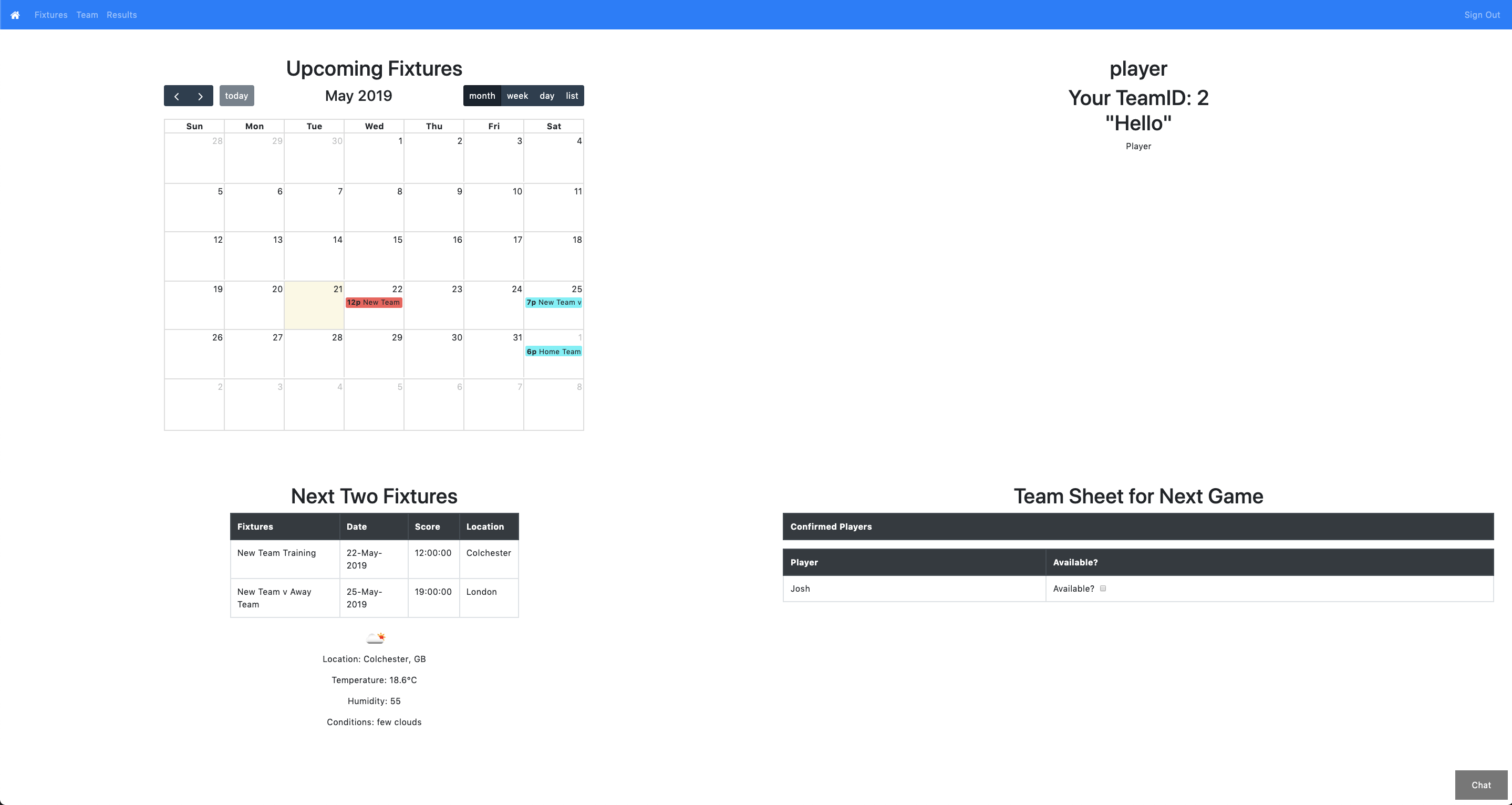


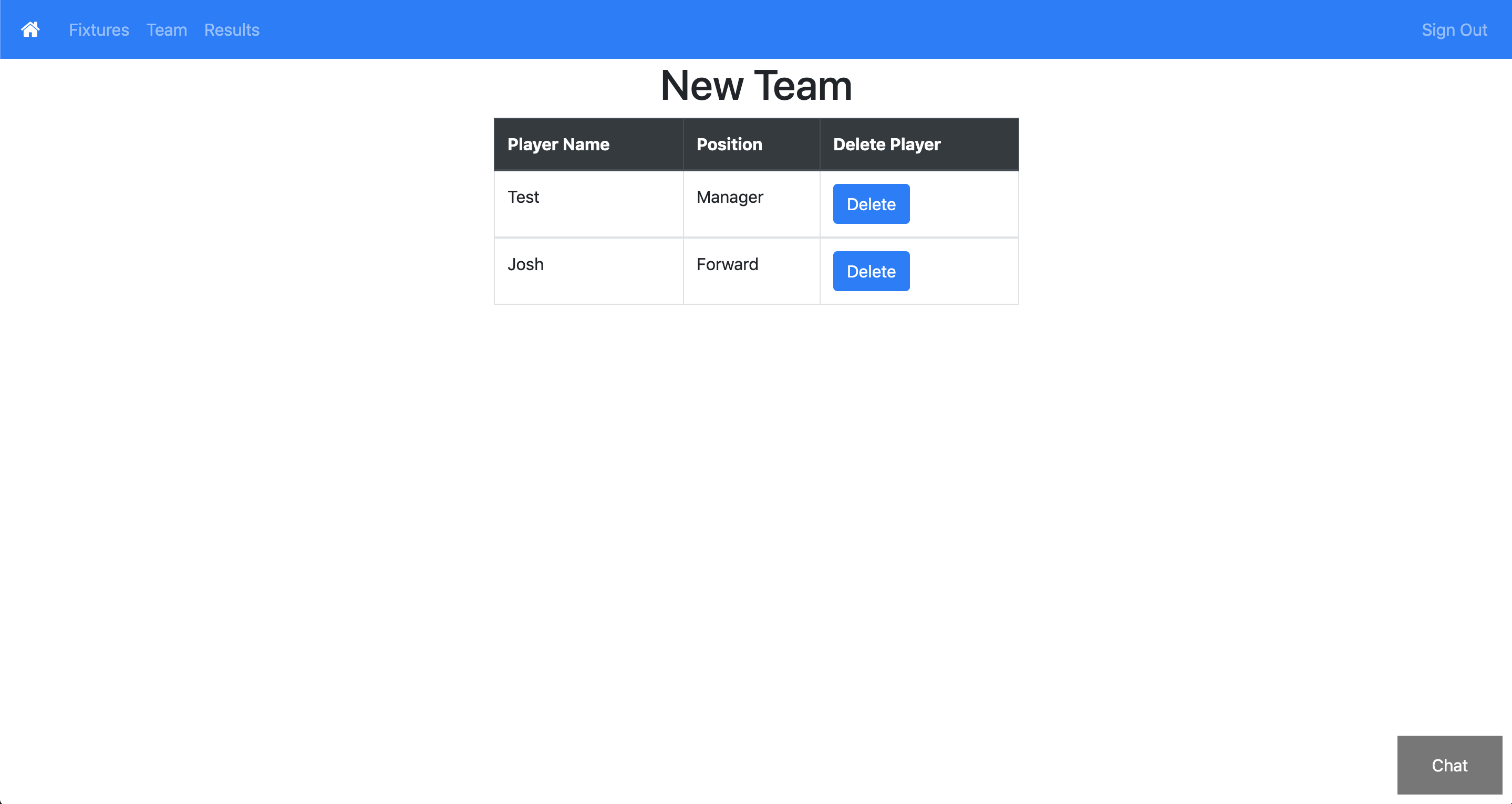
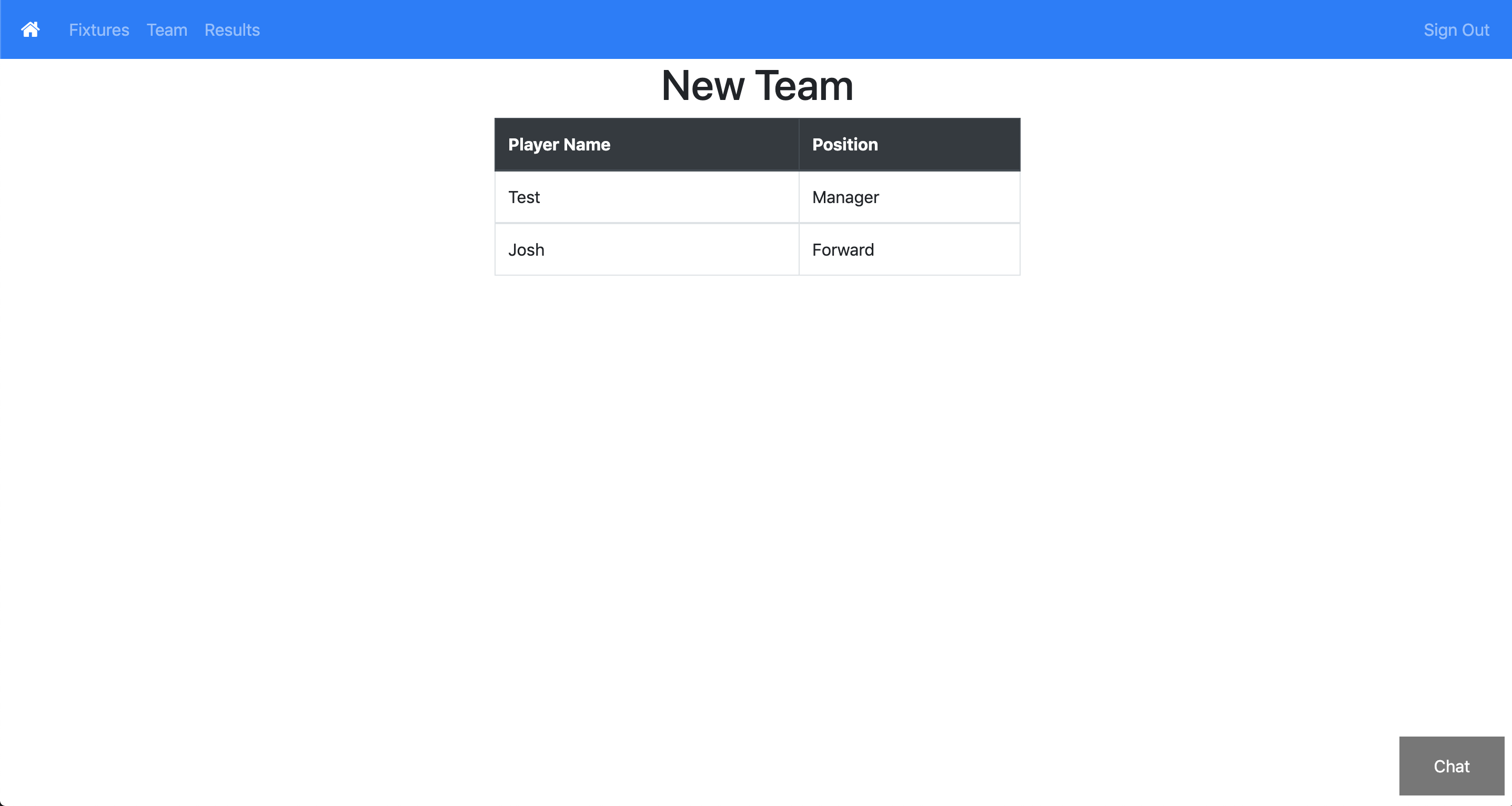

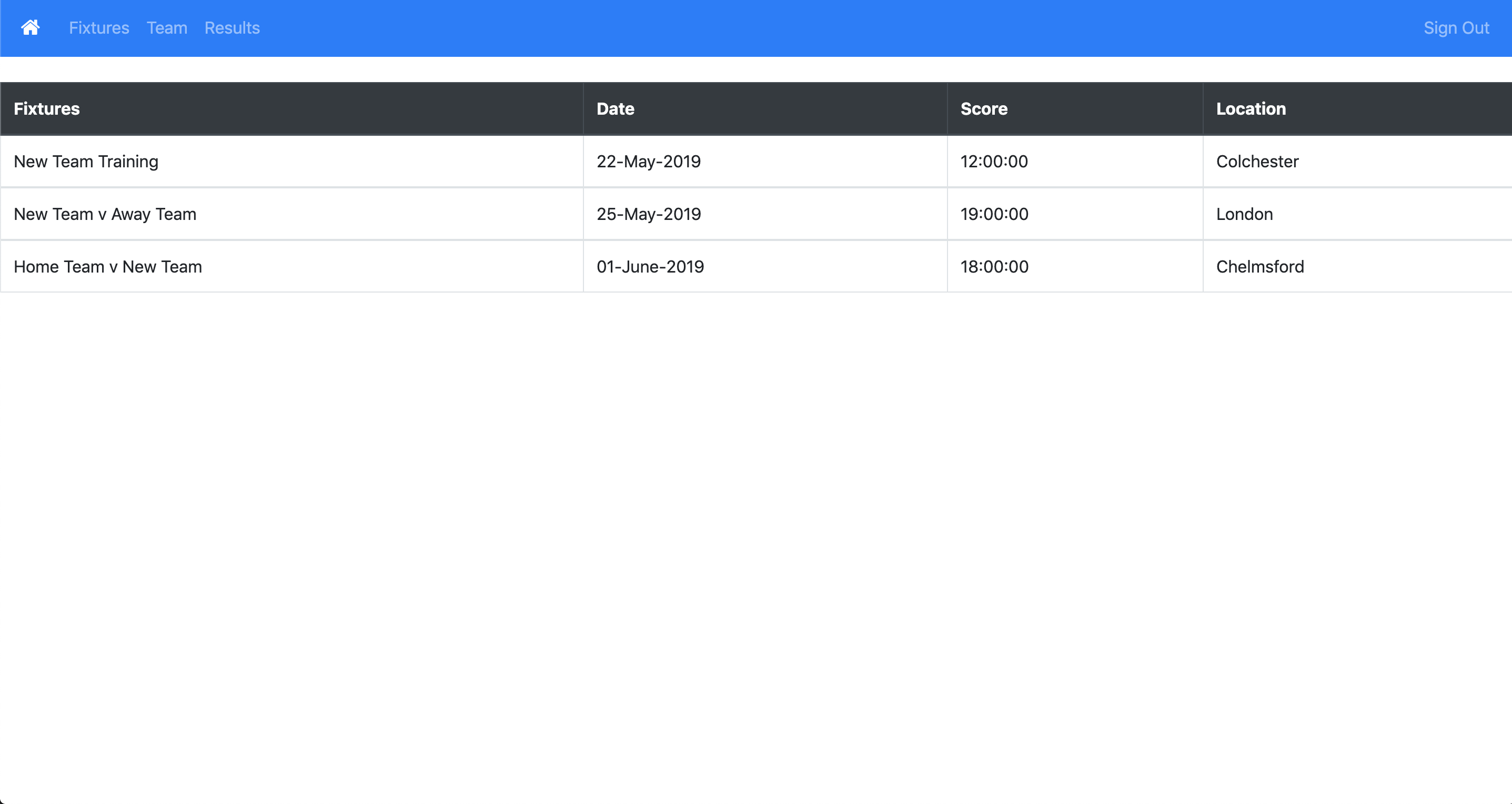
I will be adjusting the sizes of the tables as at the moment they stretch to fit the page which makes them look a bit weird!
Another Day in London
I am not sure what was going on, but there was some kind of event on today near our office. Firstly there was office chair hockey.
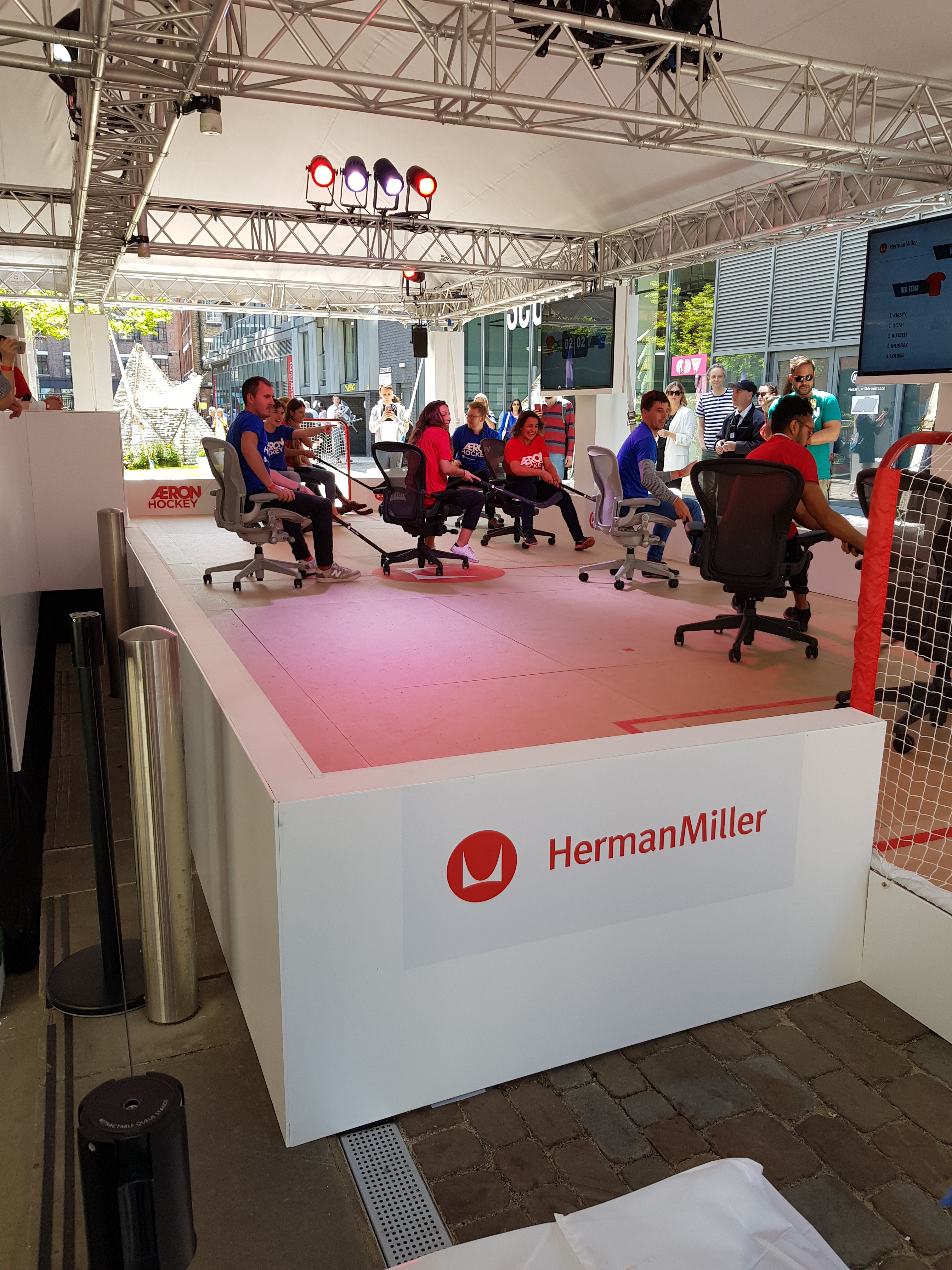
And also a pole dancing robot
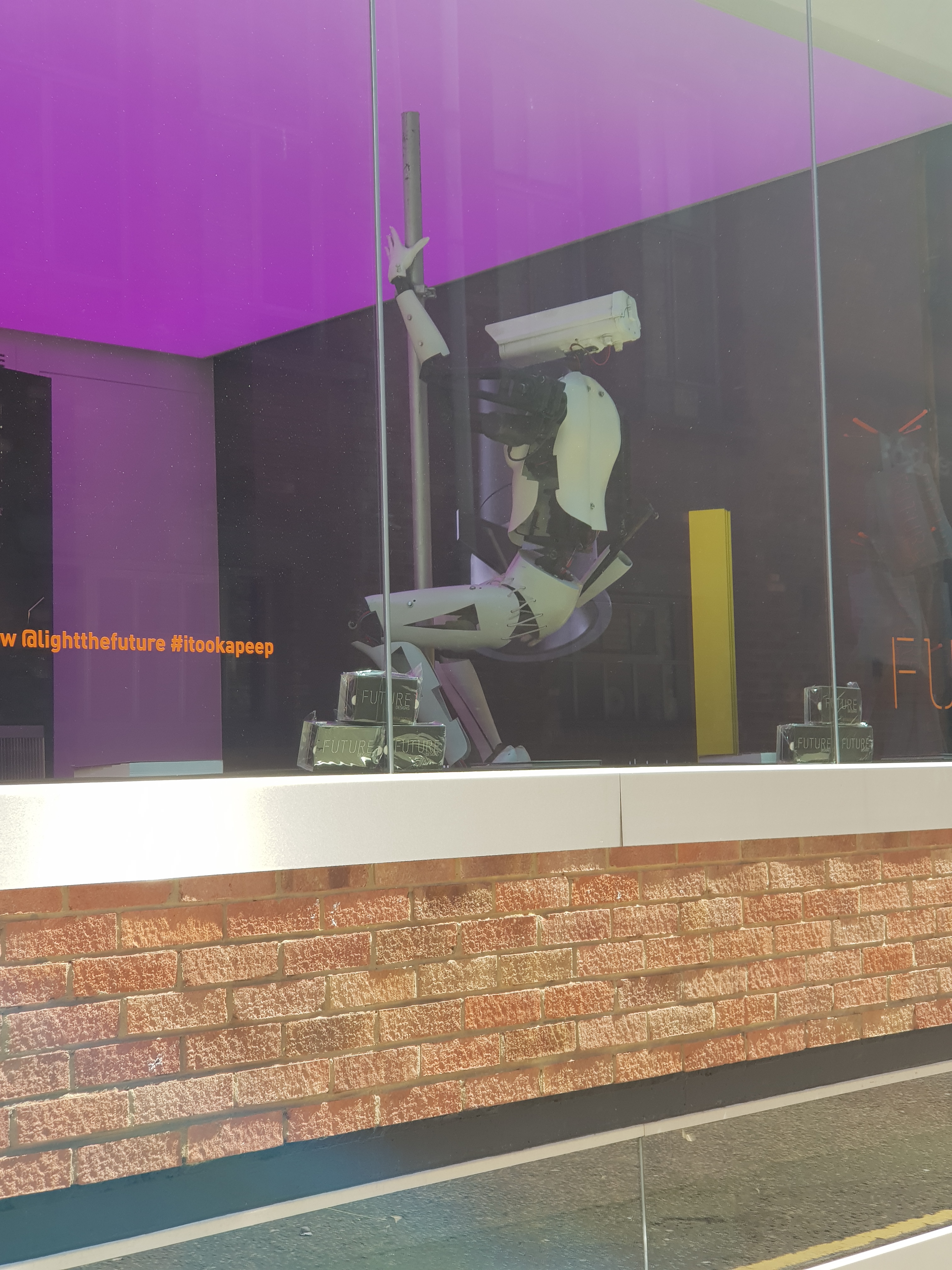
Image in case the gif doesn’t load! 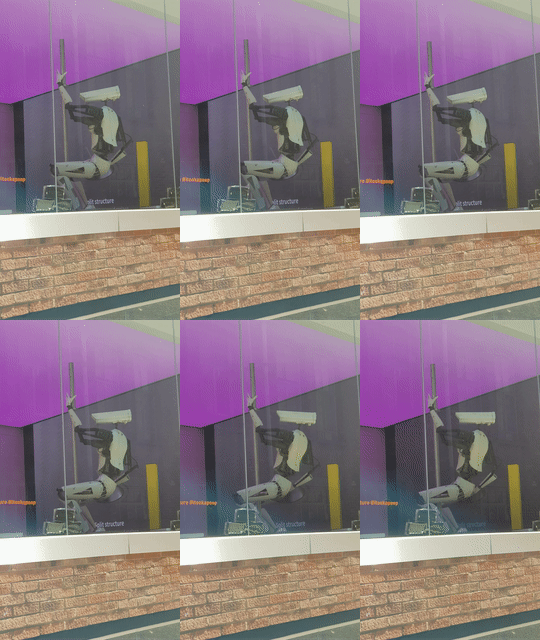
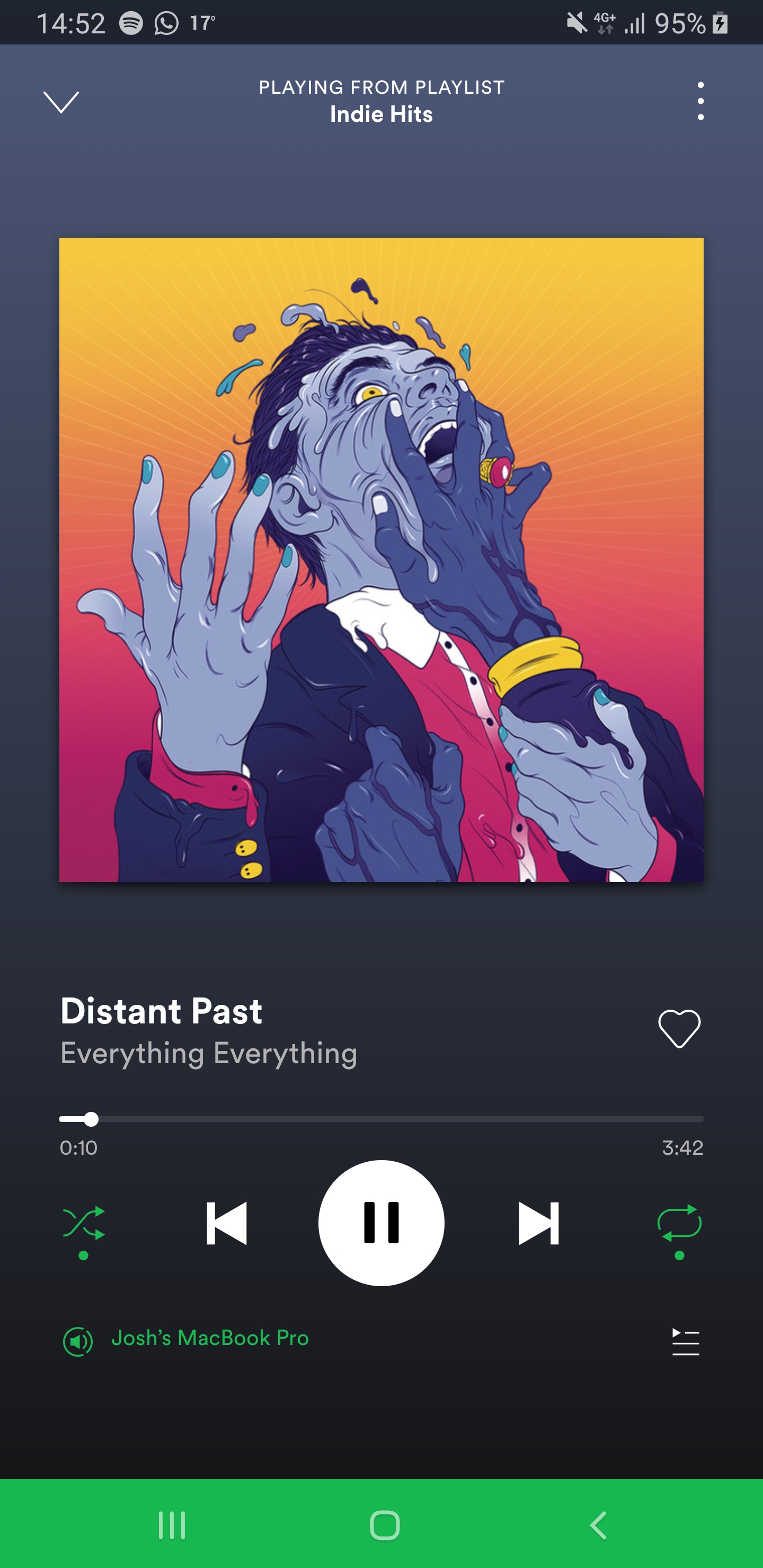
Todays song of the day
 Josh's Blog