

Calendar and Forms
Calendar
I carried on work with the Calendar last night and all of this morning, and still it eluded me, however I knew I was getting closer and closer! I had the calendar rendering yesterday, and this morning I got it to show data. Then I got it to show data that was the same format as data coming back from our database. After that I created a new database table to only store the information I needed from our fixtures, with the correct column titles. I added this into our addFixture page too so that whenever a fixture was added, it gets added to both databases.
The last thing I had to do was get it to fetch the data from the database and show that. It sounds like it would be an easy step, but because JavaScript is asynchronous, it was proving much more difficult than it should have been. The problem was the calendar itself loaded really fast, therefore JS renders it before the fetch from the API. Due to this, the data was only being collected once the calendar was already on the page, and it would not show it. I knew to fix this I had to change the order in which things were being rendered, and I tried several different variations of this. In the end I had to ask a coach for help, I knew I was close, but I had been staring at the code for so long that I couldn’t see the answer! In the end I was annoyingly close to the actual solution! I had to move the rendering of the calendar into the fetch itself!
fetch('api/calendars/search/findByTeamid?teamid='+ document.getElementById("teamid").value, {
                                              method: 'GET',
                                              headers: {
                                                    'Content-Type': 'application/json',
                                                    },
                                              credentials: 'same-origin'
                                            })
                                            .then((response) => {return response.json()})
                                            .then(function(json) {
                                            var events = (JSON.parse(JSON.stringify(json._embedded.calendars)));

                                            var calendar = new Calendar(calendarEl, {
                                                schedulerLicenseKey: 'GPL-My-Project-Is-Open-Source',
                                                plugins: [ interactionPlugin, dayGridPlugin, timeGridPlugin, listPlugin ],
                                                header: {
                                                  left: 'prev,next today',
                                                  center: 'title',
                                                  right: 'dayGridMonth,timeGridWeek,timeGridDay,listWeek'
                                                },
                                                defaultDate: new Date(),
                                                navLinks: true, // can click day/week names to navigate views
                                                editable: true,
                                                eventLimit: true, // allow "more" link when too many events
                                                events: events
                                                });
                                                calendar.render().updateSize();
                                            });
});
I was so happy that this was finally working! Here is what it looks like now:
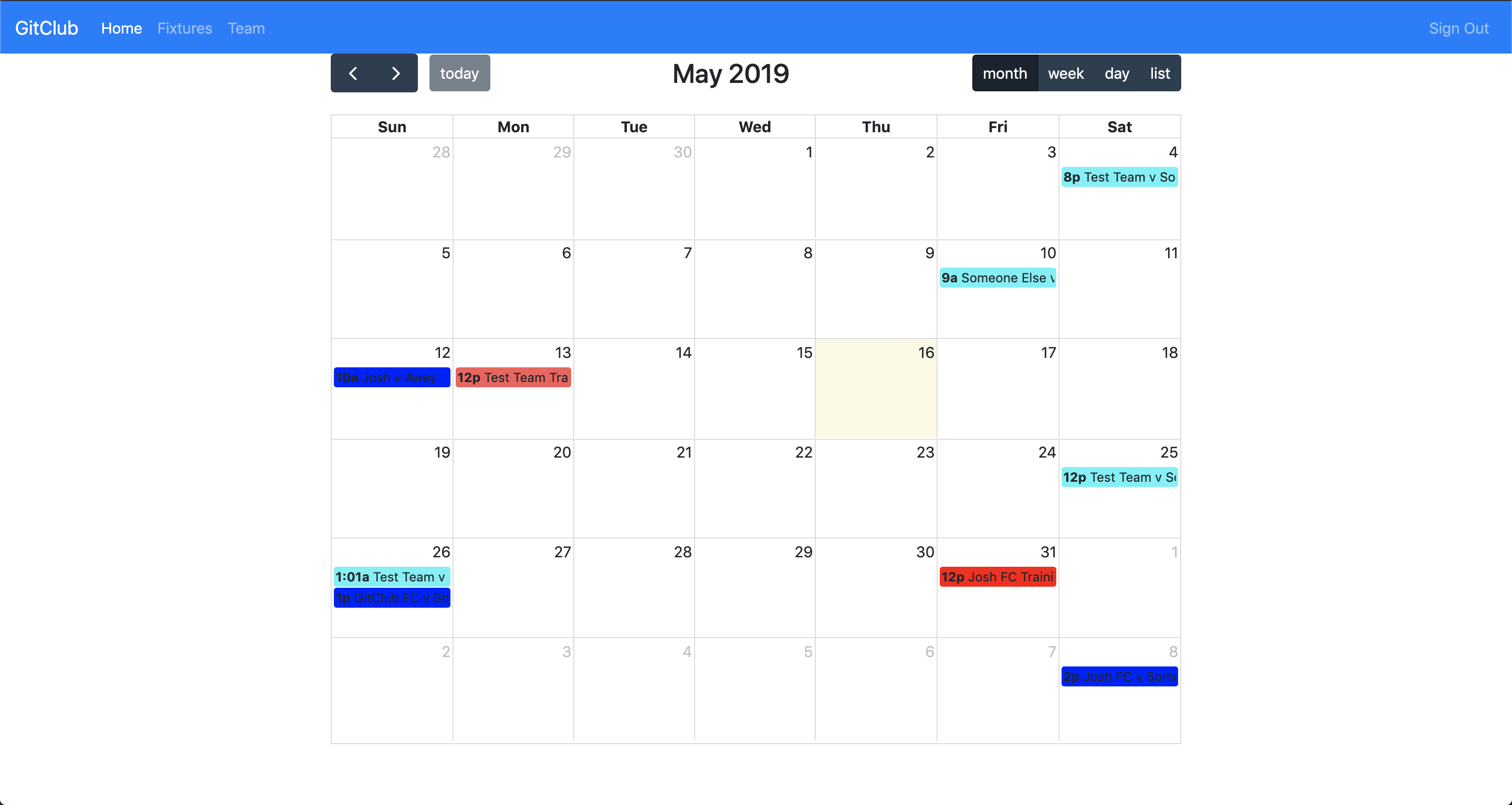
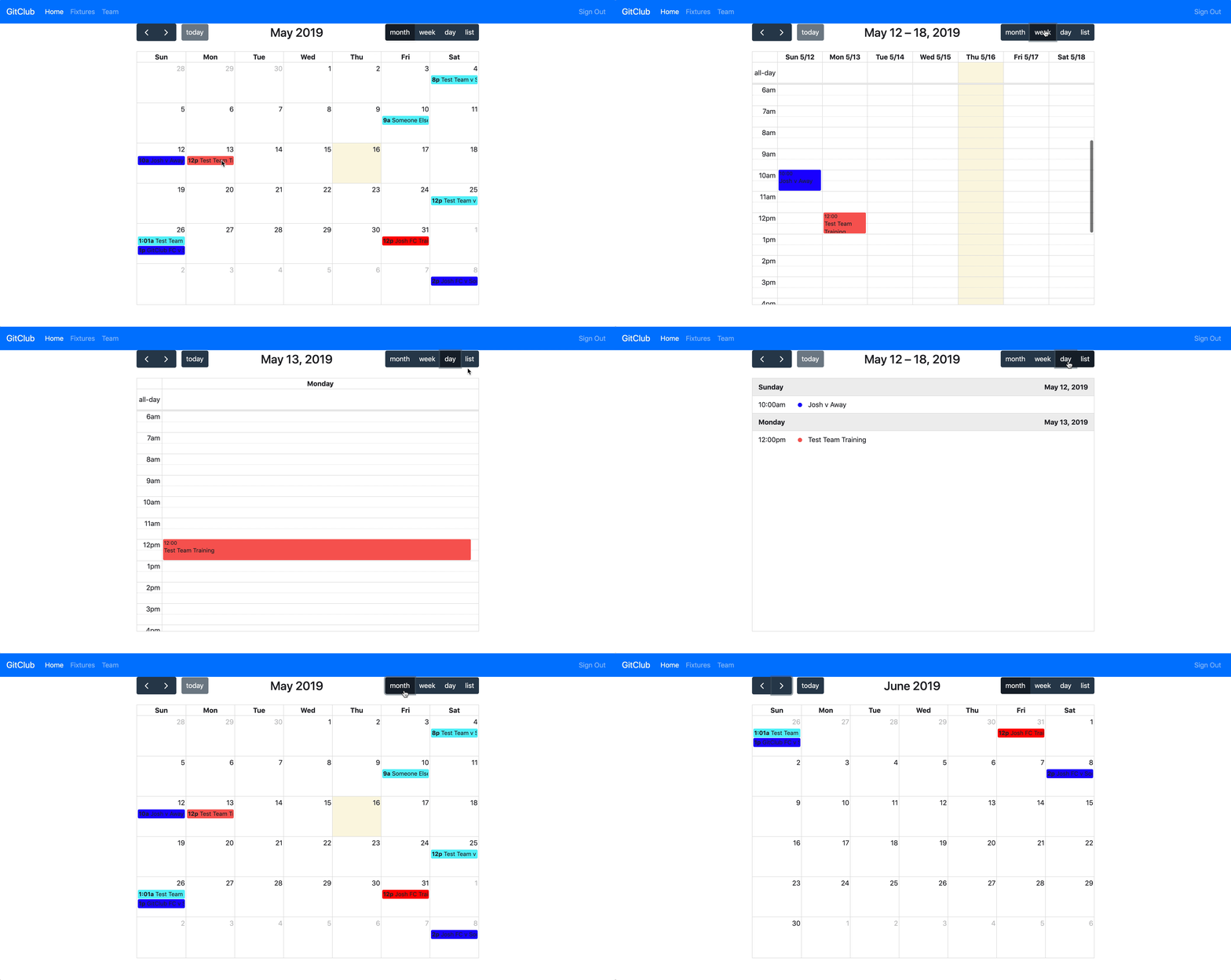
The colour code is Red for Training and Blue for Matches. Also theres lots of options for viewing the events in the calendar (hopefully the gif below loads to show you!).
Fixture Form
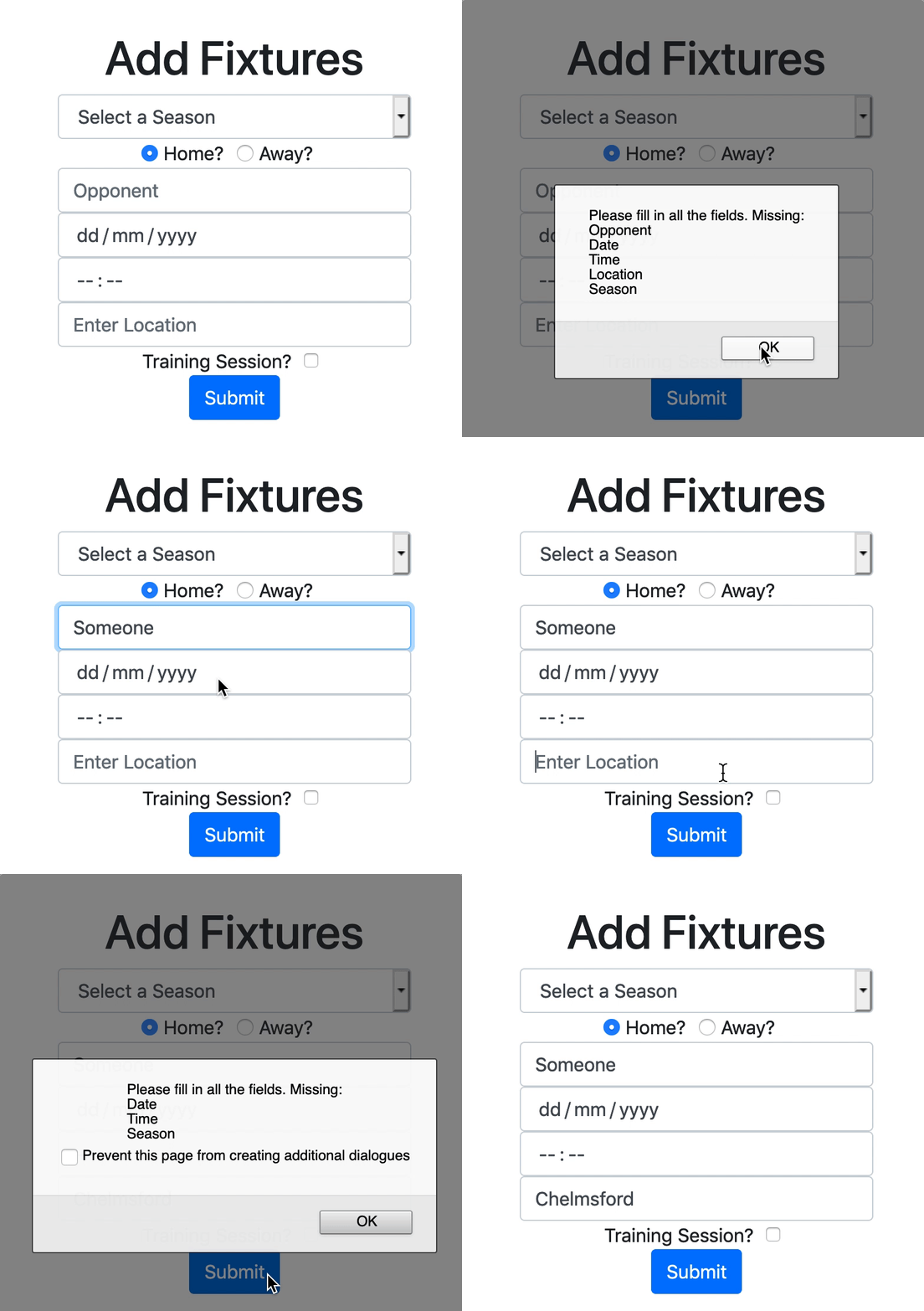
I mentioned yesterday that I wanted to look at further improving the usability of our add fixture form. I added the home/away checkbox I mentioned yesterday, and changed the two textfields to one for the name of the opponent. Depending on which option is selected, the opposition is put first or second. I also updated it to automatically fill in the name of the team signed in.
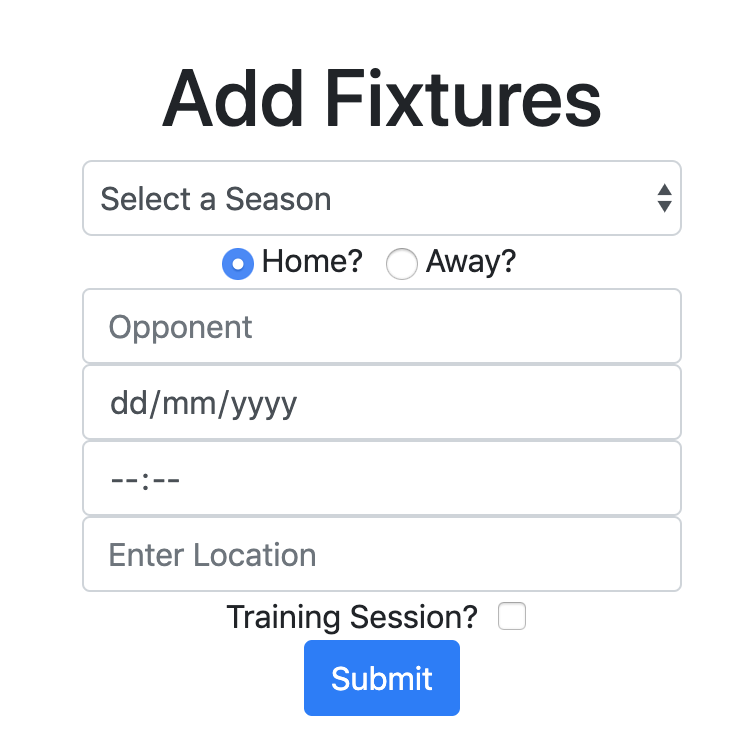
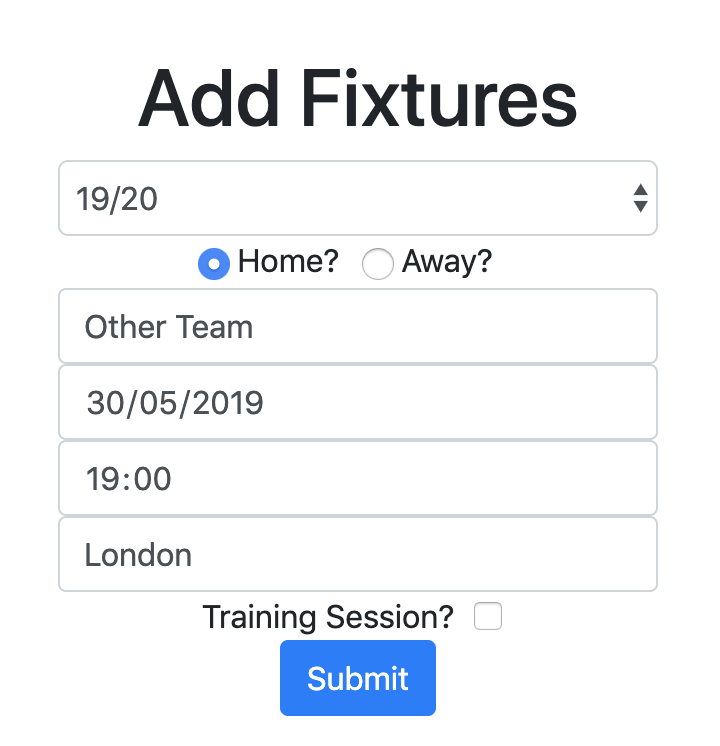
Yesterday I added a popup that told the user they had not filled in every field, however it also refreshed the page which made them lose the data they had entered into the form. I adjusted it so now it doesn’t do that, and the popup also tells you which fields are missing.
Coding in the Sun
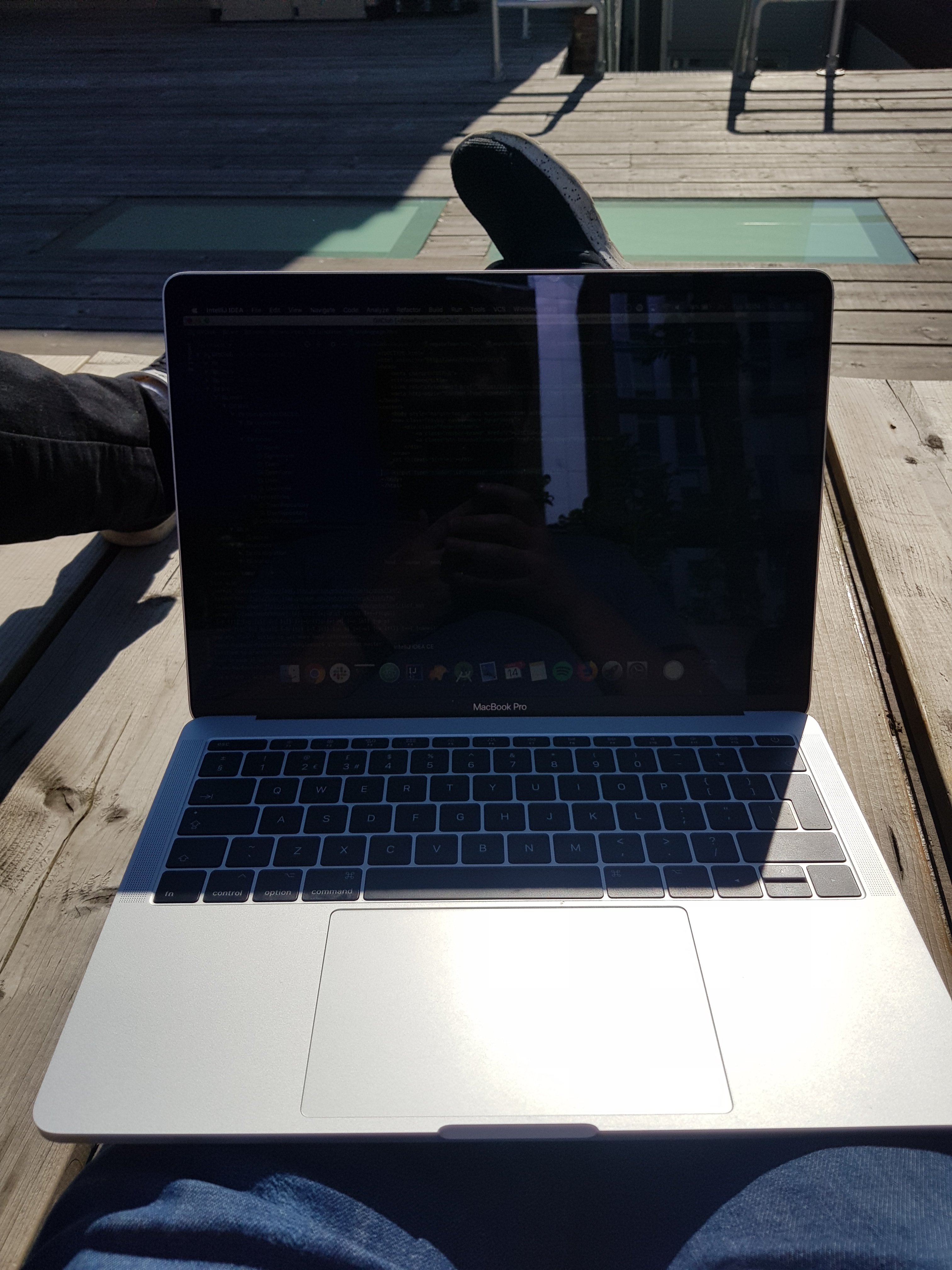
The weather has been quite nice this week, so I tried to get back out onto the terrace. Want to make the most of it before we leave Makers!
Todays song of the day
Todays song of the day

 Josh's Blog