

More Algorithm Work
Testing Efficiency
Last night after I finished my blog, I wasn’t really satisfied with where I had left the project, so I decided to tackle the challenge of plotting a graph from my data. I had just got to the point where I could store and retrieve my array information from the database, so all I had to do was to get this to pull through into my JS React page.
I used the same method we had in Acebook, making a fetch request to the API set up by the @Entity tag in my class.
fetch('/api/sorts', {
              method: 'GET',
              headers: {
              'Content-Type': 'application/json',
              },
              credentials: 'same-origin'
              }).then((response) => {
                   if(response.ok) {
                     return response.json();
                   } else {
                     throw new Error('Server response wasn\'t OK');
                   }
                 })
                 .then((json) => {
                   this.setState(state => ({x: json._embedded.sorts[0].arraySize, y: json._embedded.sorts[0].timeTaken}))
                   console.log(this.state.x + this.state.y);
                 });
This then set my data to two states, x and y, which was the plot data for my graph. Using plot.ly I was able to produce a dynamic graph in React.
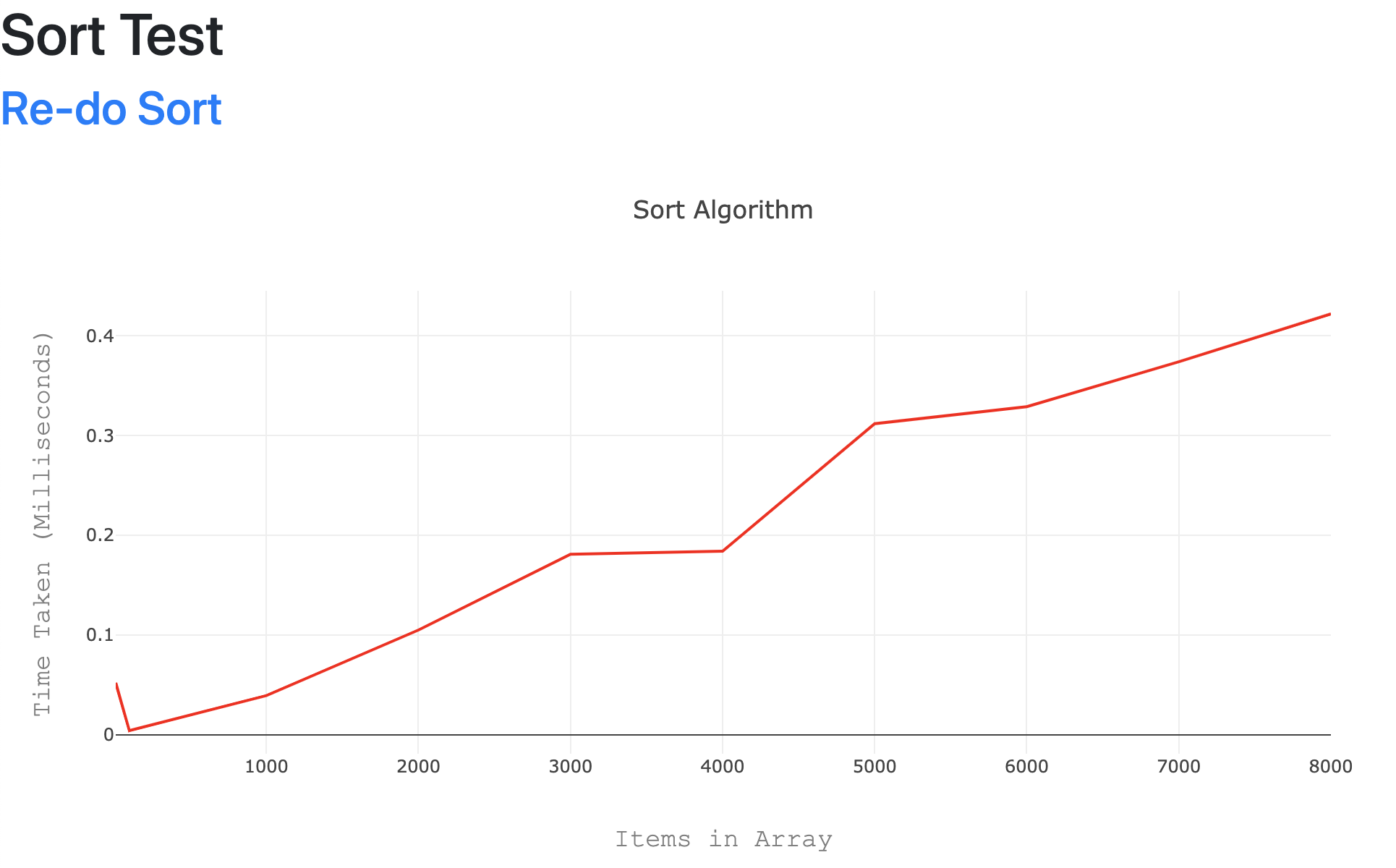
I added a link in to refresh the data at the top.
More Tests
This morning we carried on, adding another algorithm to test. This time we wanted to test the Reverse function which reverses the elements in an array. There is actually no reverse function for arrays in Java, so we wrote this instead:
static String reverse(int a[], int n) {
        int[] b = new int[n];
        int j = n;
        for (int i = 0; i < n; i++) {
            b[j - 1] = a[i];
            j = j - 1;
        }
}
This takes array a, takes out the last element, and puts that into array b. It repeats this until there are no elements left in a.
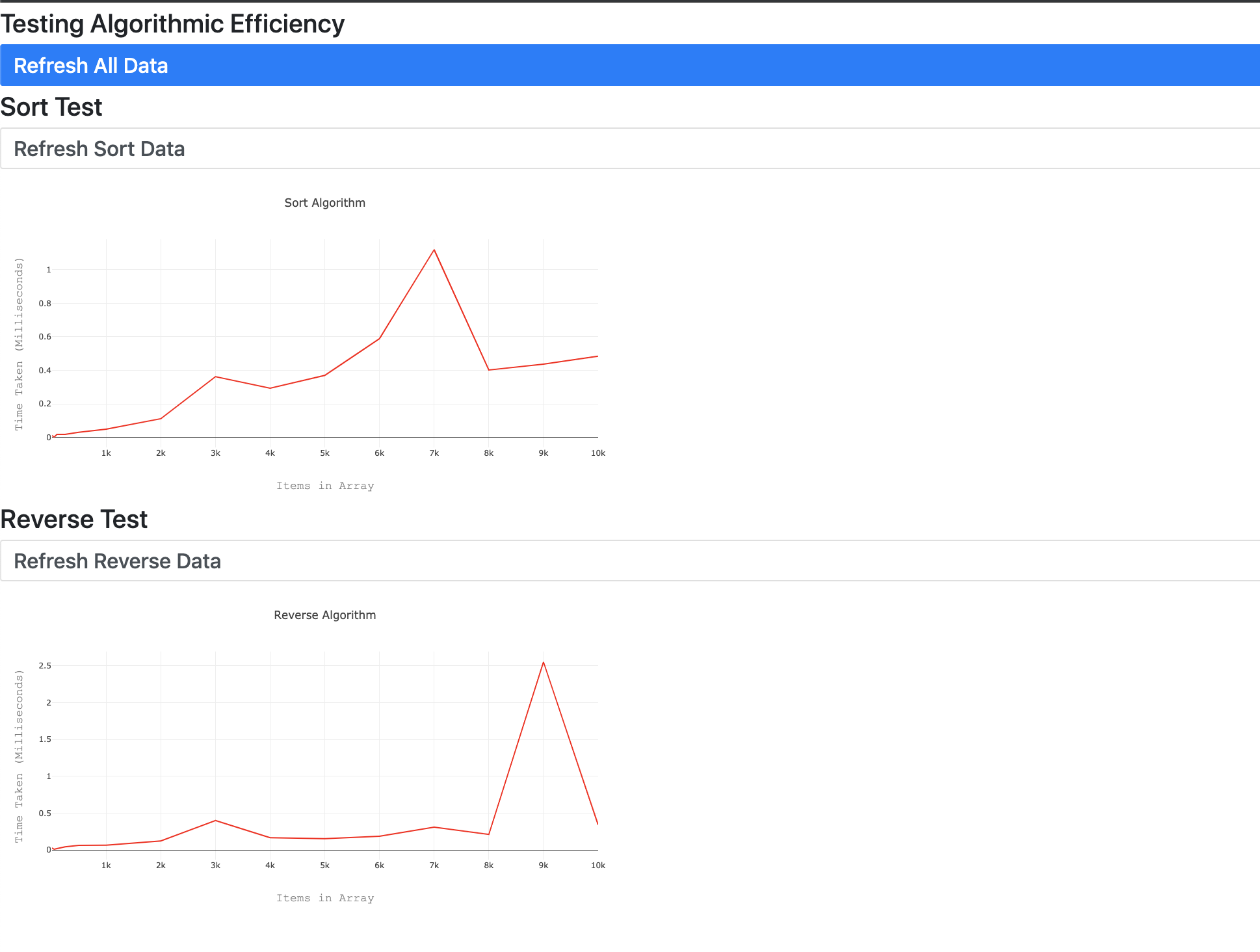
Once we had that working the process of timing and adding to the database was exactly the same, so it was easy to get to the point of having both graphs working.
I also changed our refresh buttons to have some style, and to be disabled after they are pressed. Also we added a refresh all button to refresh both graphs together:
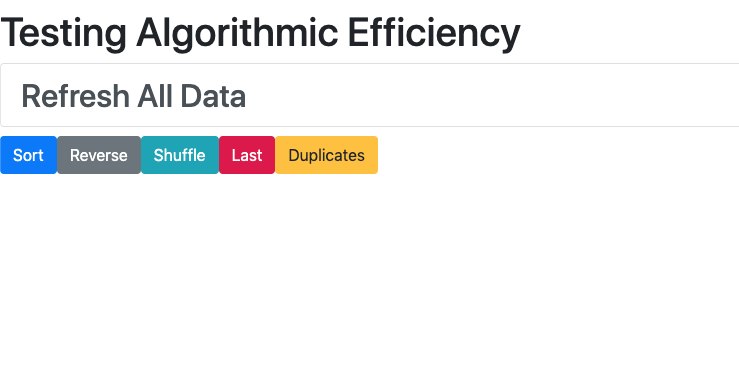
In the afternoon we added even more algorithms to test. I created a front page so you could refresh them all from here and go to the individual test you wanted. I also added some trickery in to disable buttons after you press refresh. If you navigate away from the page before it updates, it causes issues!
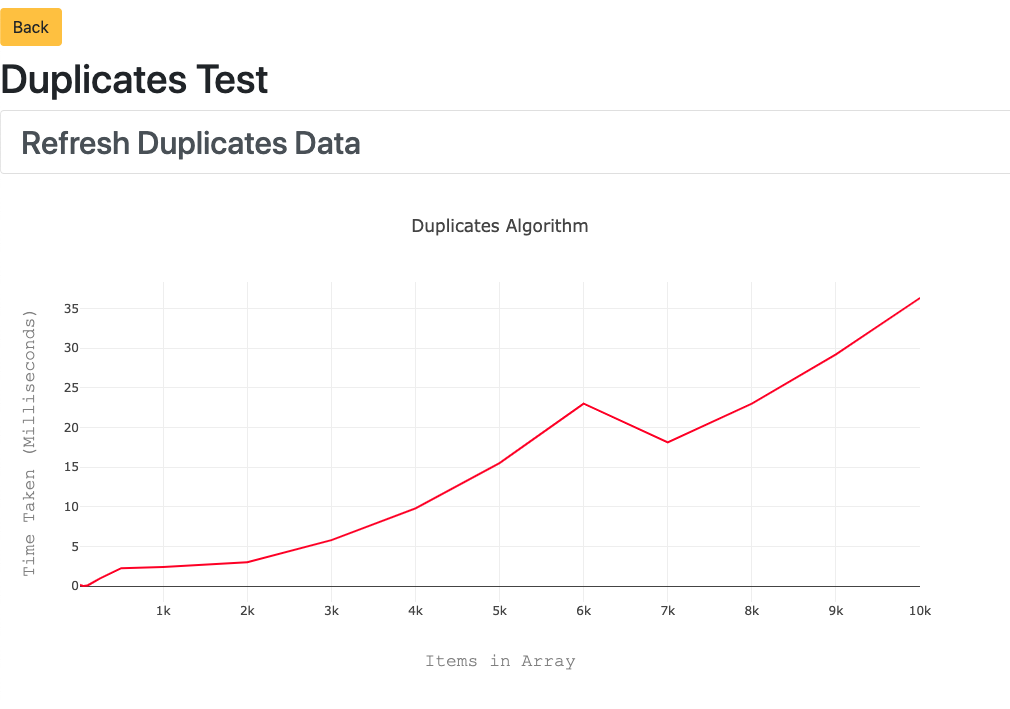
At the moment, the setup of the arrays is really slow, and if we go above a certain number of elements it refuses to load. To change this we would need to use array lists to speed up the process.
ArrayList arr = new ArrayList();

for (int x = 1; x <= size; x++) {
    Random randomNum = new Random();
    arr.add(randomNum.nextInt(size));
}
Changing our random number generator has already sped things up massively. I tried to convert all of our arrays to array lists to make it even quicker, however this is proving difficult to integrate with the JPA repository.
Todays song of the day:

 Josh's Blog