

Java
Starting with Java
This week we are starting on another new language. As the Friday and Monday just gone were bank holidays, we were not in Makers, so I decided to do a little research into Java so I would have a little understanding. Not too much though as the weather was lovely and I wanted to enjoy it!
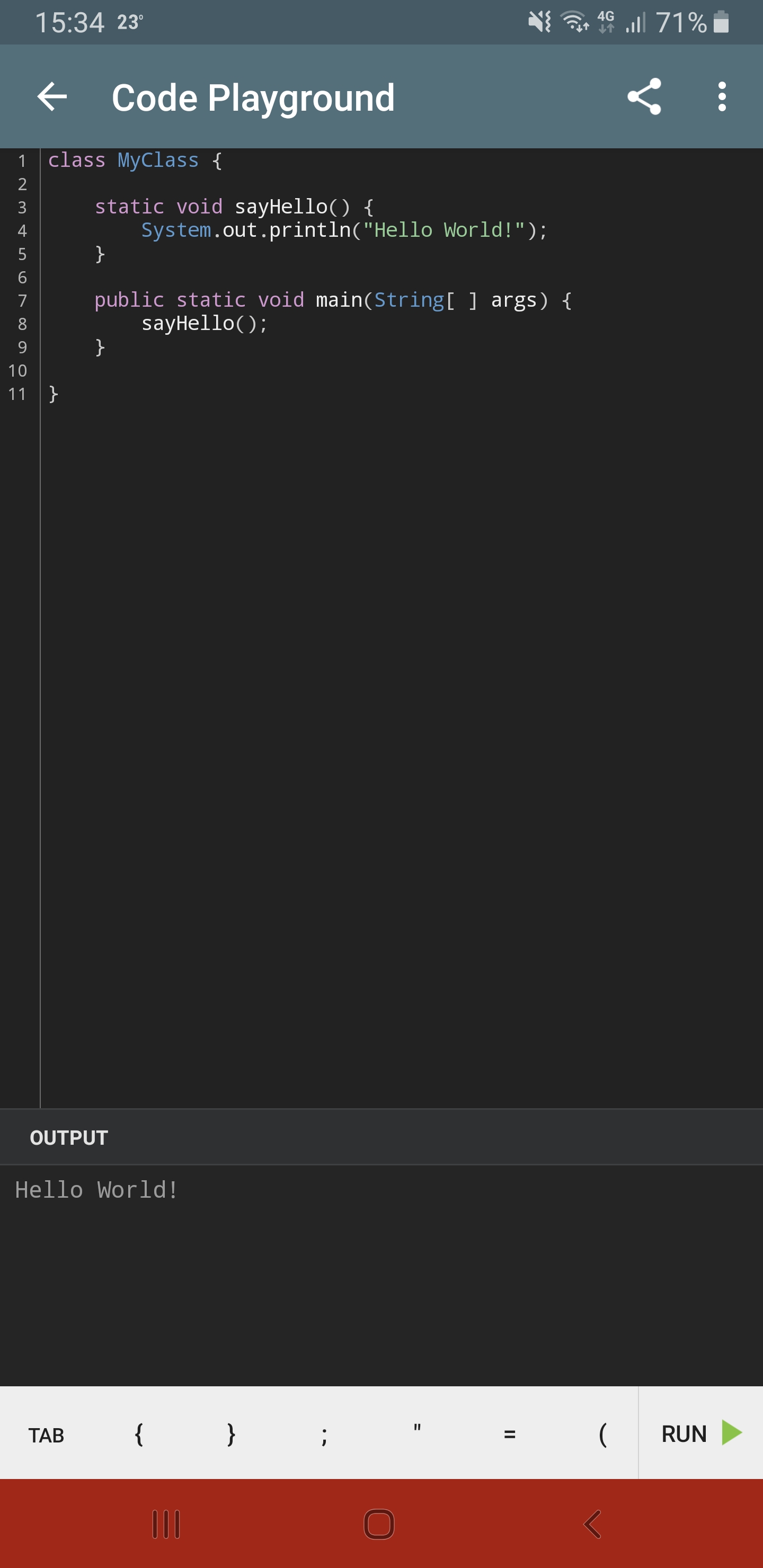
I downloaded an app called SoloLearn on my phone, which has tutorials on loads of languages. I started from the very beginning with Java, and got to the point of looking at classes and methods. The good thing about the app is it gives you a coding environment to actually play with your code, as below:
In some ways Java is quite similar to Ruby and JavaScript. It is still an object oriented program after all.
What is Java?
Java is a popular programming language, created in 1995. Java is platform independant which means that you only have to write the program once and it will run on lots of different platforms. Java is very robust and can be used to create all different kinds of programs and applications.
Every Java program must have a class and must start from the main method. The file needs to have the same name as the class in order to be compiled.
Ruby vs Java
Ruby is an interpreted scripting language, whereas Java is a compiled programming language. This means Ruby code can be run directly without compiling first, whereas Java has to be compiled. The javac compiler generates byte code for the Java program, which can then be run as a java.exe program,
Ruby is similar to Java in that both are object-oriented languages and are strongly typed. But, Ruby is dynamically typed, whereas Java is statically typed. In Ruby, type declarations are not used; in Java, type declarations are required. This means that in Ruby you can define a variable as anything, and change that in the future, for example:
str = 'string'

str = 3
In Java however you have to declare what your variable is:
String str = 'string'

Int str = 3
Both Java and Ruby provide inheritance and have public, private, andprotected methods.
Ruby is simpler than Java and faster than Java too. This website has a good in-depth breakdown of some of the differences.
Unlike JavaScript, class names in Java are written the same as in Ruby, capitalising each new word:
# Ruby
class MyClass
end
// JavaScript
function myClass(){
}
// Java
public class MyClass {
}
As you can see, comments are written the same as in JS, using // rather than #.
FizzBuzz
To test my basic knowledge of Java that I learned yesterday I thought I would attempt to write a quick FizzBuzz program in Java. We did the same thing in JS, writing a simple program like FizzBuzz really helps to cement your understanding of the code as it includes variables, loops, classes and other useful stuff!
This probably isn’t the best way to do it as currently it is all handled in the same class, but I don’t know any other way at the moment! Here is the code:
public class FizzBuzz {
  public static void main(String[] args) {
    for (int x = 1; x <= 100; x++) {
      if(x % 15 == 0) {
        System.out.println("FizzBuzz");
      } else if(x % 3 == 0) {
        System.out.println("Fizz");
      } else if(x % 5 == 0) {
        System.out.println("Buzz");
      } else {
      System.out.println(x);
      }
    }
  }
}

// note Java uses '==' like Ruby, not '===' like JS
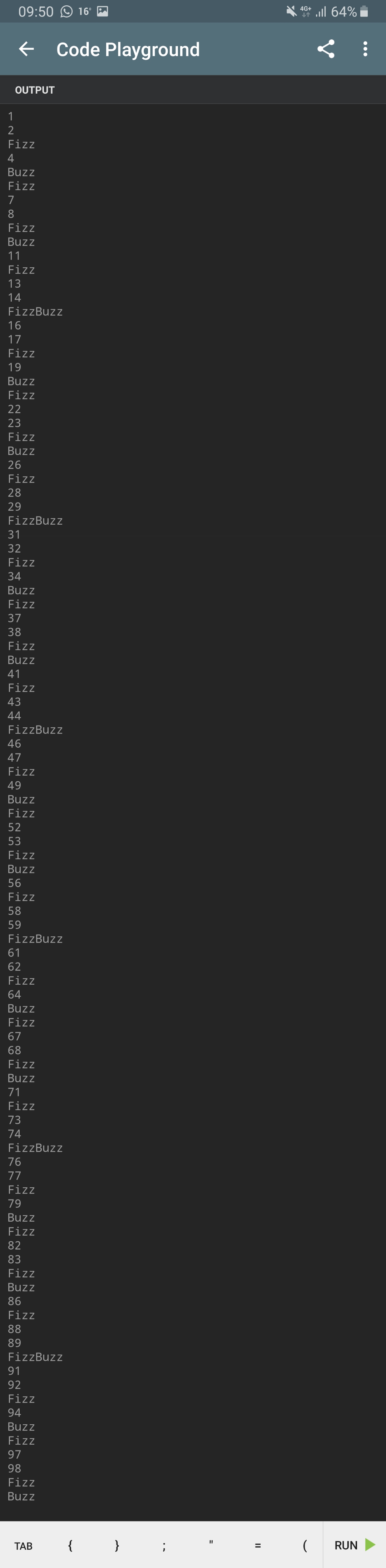
After writing the code, I ran javac FizzBuzz.java in my command line to compile the code, which returned no errors, so I knew it worked. Running java FizzBuzz then ran the code and produced the following output:
I am very happy that I was able to do this before we have actually started any learning on Java at makers!
Learning Java
This week is our first actual group project week, and as such we have pretty much just been left to our own devices to learn how to use Java and the testing framework. It was suggested we use IntelliJ IDEA and JUnit to do this. IntelliJ is basically a text editor for Java, and JUnit is the test framework. IntelliJ is much easier when writing Java than Atom as it provides the correct context hints and syntax.
Java is quite difficult at first, especially when given no guidance! We managed to figure out how to get our test framework set up and working, and wrote a few tests. Armed with my basic knowledge of Java now, I rewrote my FizzBuzz from this morning, and wrote some tests for it too:
// Code
public class FizzBuzz {
    public static void main(String[] args) {
        for (int x = 1; x <= 100; x++) {
            System.out.println(runFizzBuzz(x));
        }
    }

    public static Object runFizzBuzz(int number) {
        if (isDivisibleBy(number, 15)) {
            return "FizzBuzz";
        } else if (isDivisibleBy(number, 3)) {
            return "Fizz";
        } else if (isDivisibleBy(number, 5)) {
            return "Buzz";
        } else {
            return number;
        }
    }

    private static boolean isDivisibleBy(int number, int divisor) {
        return (number % divisor) == 0;
    }
}

// Tests
class FizzBuzzTest {
    @Test
    void returnsFizzBuzzFor15() {
        assertEquals("FizzBuzz", FizzBuzz.runFizzBuzz(15));
    }
    @Test
    void returnsBuzzFor5() {
        assertEquals("Buzz", FizzBuzz.runFizzBuzz(5));
    }
    @Test
    void returnsFizzFor3() {
        assertEquals("Fizz", FizzBuzz.runFizzBuzz(3));
    }
    @Test
    void returns4For4() {
        assertEquals(4, FizzBuzz.runFizzBuzz(4));
    }
}
Java is definitely a lot less user friendly than Ruby was, same goes for JUnit vs RSpec (and IntelliJ vs Atom!). Hopefully once we get used to it it will become a lot easier, as with JavaScript last week!
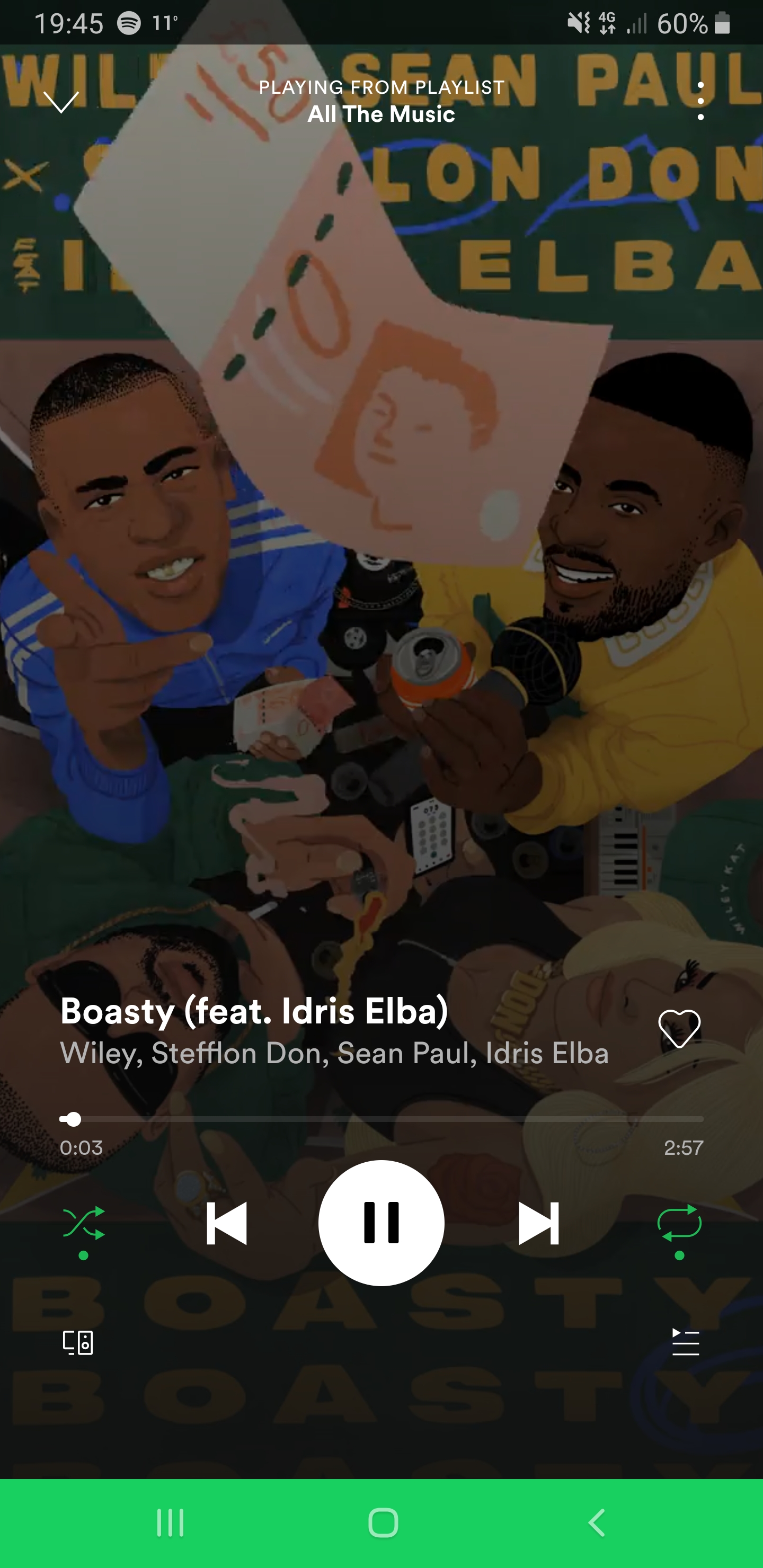
Todays song of the day:
 Josh's Blog