

Databases and Bookmark Manager
Today we started looking at databases and how they are used when designing and using websites. The first thing we learnt is how they are related to the client/server relationship we learned about last week. Basically the database sits with the server and is used to store stuff. One of our practicals this week was to explain what a database was as if you were explaining it to a five year old, here was my first attempt at that:
A database is a store of data. The data is stored in tables in it’s own language, SQL. Data has to be translated into SQL in order to be stored, and translated back when it is used by a program.
Josh, this morning
Hopefully that gives you a basic idea of what a database does. The use of the database is that it remembers things even after the program is terminated. For example in Rock Paper Scissors, every time I killed the server or reloaded the website it forgot the names entered, with a database I could load that name back up as it could be stored.
This morning we learned a bit about SQL and how to run commands in it. SQLZoo is a really useful resource for learning about it. There are some basic commands you can run in SQL like SELECT where you can select certain information in a database table depending on other variables. SELECT name FROM namelist WHERE name = ‘Josh’ would go into the namelist database table, and find names equal to Josh. SELECT name FROM namelist WHERE LEFT(name,1) LIKE ‘J’ would find any names where J is the first letter, and SELECT name FROM namelist WHERE name IN (‘%j%’) would find names with a J anywhere in them. That is just a quick example of some basic commands. Mostly it makes sense when you read them what the commands are doing.
In the afternoon we started the Bookmark Manager challenge. We have to create a Bookmark Manager website where you can store your favourite websites as bookmarks. These will then be stored in a database. Mostly for this we are following a walkthrough as it is completely new to us. There are some bits which are the same as last week but it is generally new. As part of this we have downloaded some software called TablePlus which gives you a clear view of your database tables. It is much easier than the alternative of running psql in terminal and having to navigate it that way. Here is a comparison:
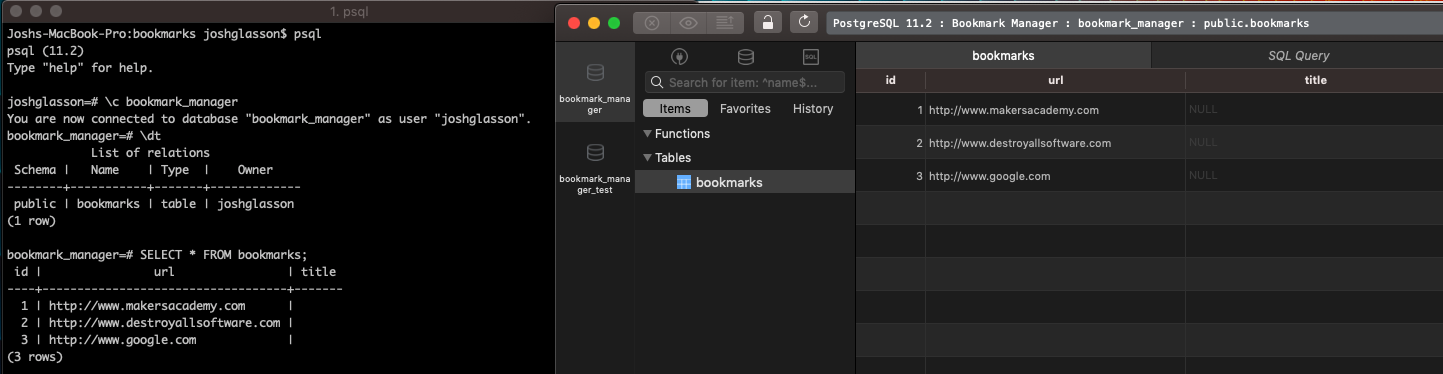
On the right is TablePlus, which shows my bookmarks table in a much nicer way!
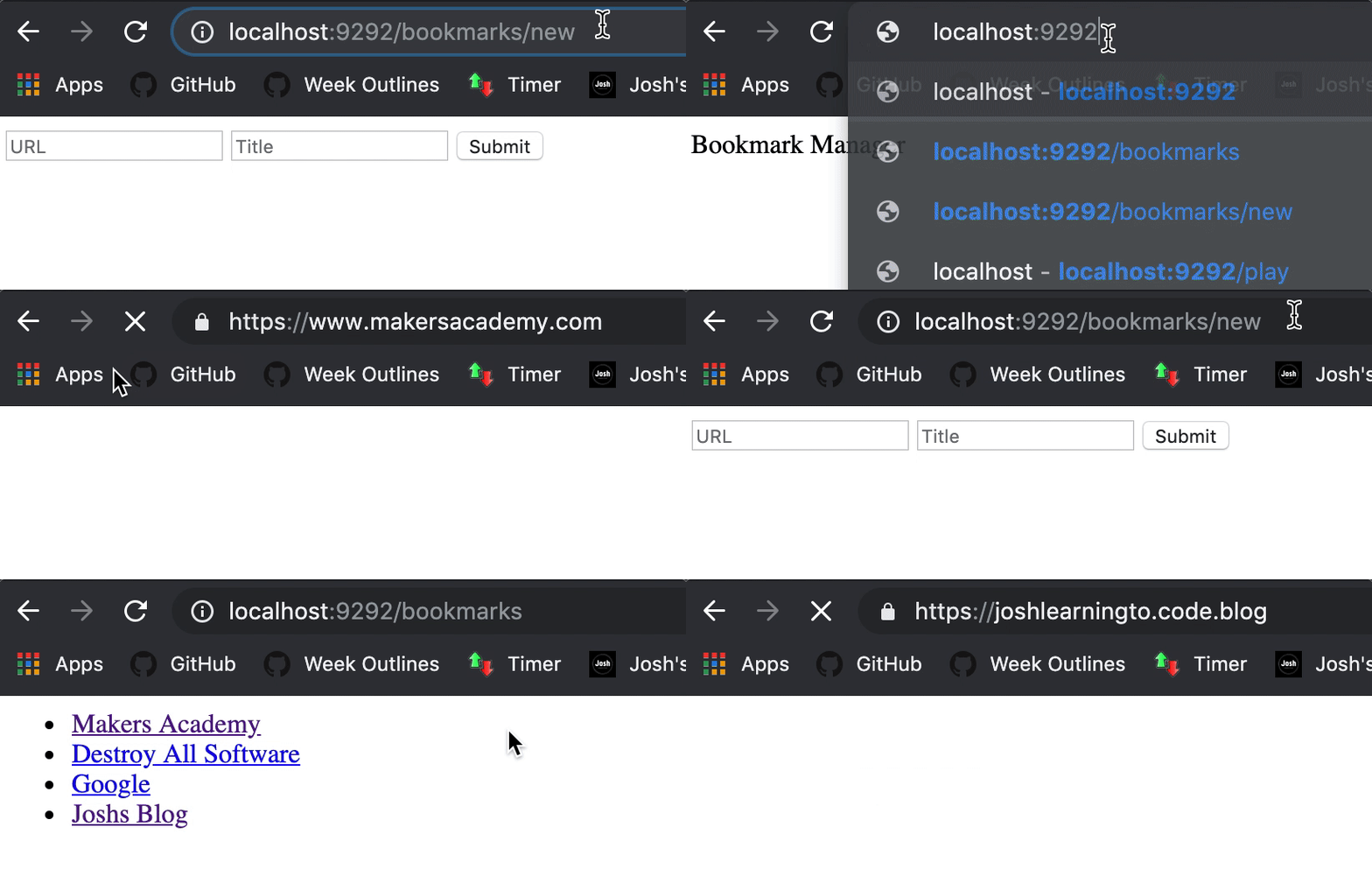
So far in the project we have created a way to save bookmarks with a title and then show them up with a link to the page. Also it has shown us how to set up a test database as well as a real one, and then to set up RSpec so it knows to use the test database when running tests, clearing it once the tests are done. This will be very useful going forward.
Here is the bookmark manager in action:
As a final note on my Rock Paper Scissors game, I got some feedback from people that they had no idea what Lizard Spock was and they didn’t know how to play, which is totally fair because same here. Even after doing the work I still don’t know what beats what! So I updated it to allow you to choose which version you play, and the version can be changed at the name entry point and the results screen. The name entry point also shows you which one you are playing. Here is the final version.
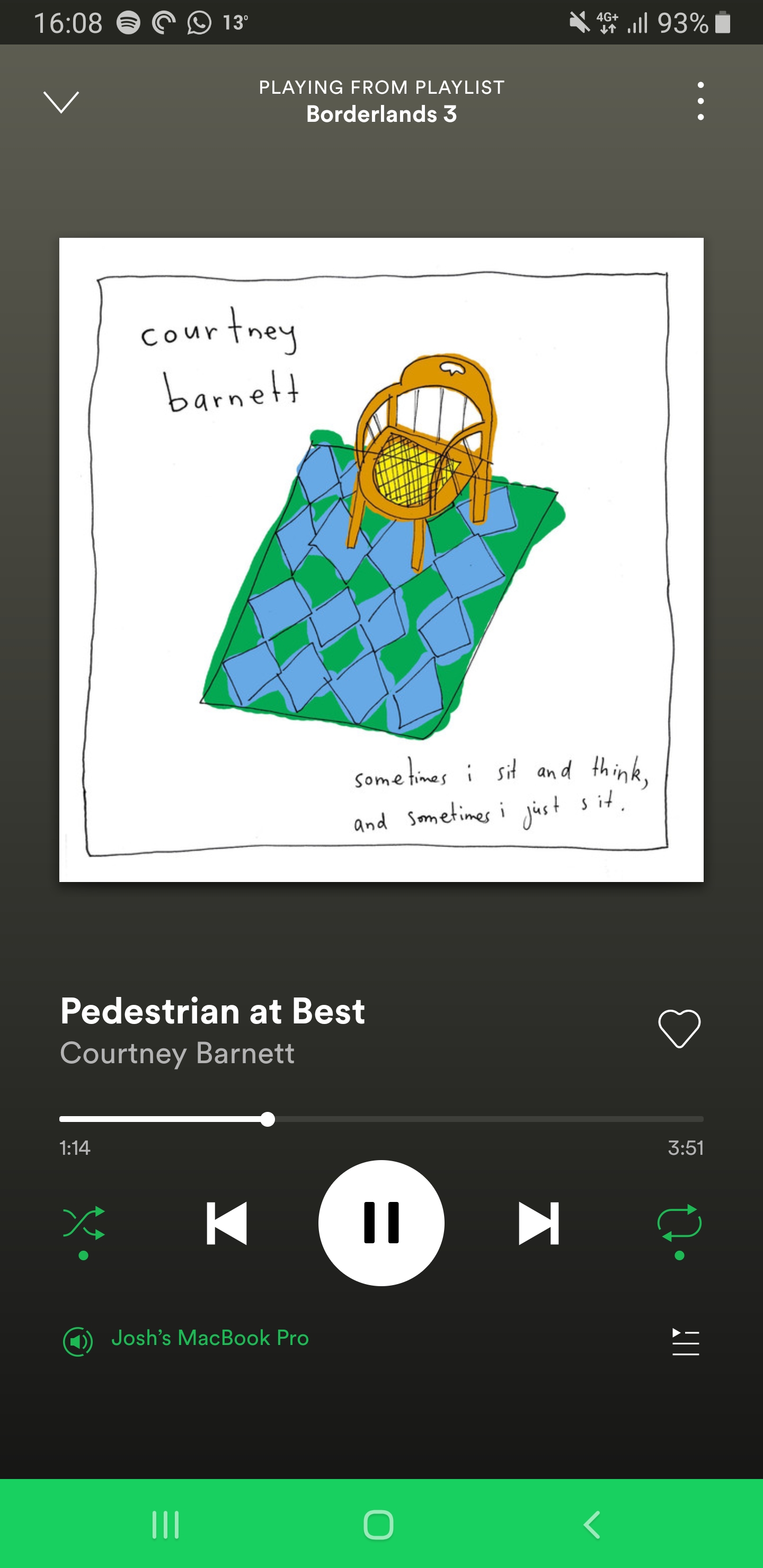
Todays song of the day is:
 Josh's Blog