

Web Apps and More
This week is Web Week! Today we started the Battle project, in which we have to make a web based game, that is totally not Pokemon…
The beginning of the course is a walkthrough on how to use Sinatra, a gem for ruby that lets you create your own local server so you can test your website. We also learned a bit about how to write for html, and how html works. It is all based on client/server relationships. Every time you go into your web browser to go to a website, this creates that relationship. Your browser is the client, and the server with the website on is of course the server. Your browser handles all the complicated stuff for you. There are 2 main types of request (I think there is another two but we haven’t got to that point yet!); Get and Post. Get is what it sounds like, it goes to a server and gets the information. Post on the other hand lets you send messages to the server. Here is a little example using the web app we built in the morning. My first page, cat-form, is a form that allows you to name your cat. You type the name, and click submit. As you can see below the form, the cat-form page has a ‘GET’ method, as all we are doing is ‘getting’ the information from this page.

Once we enter a name and press submit, it loads another page, named-cat, with the name we entered at the top and a picture of a cat with a red border. You can see the named-cat page has a ‘POST’ method. This is because the information we entered in cat-form has been posted to this page.

You can see this when you look further into the named-cat pages details. The referer is ‘cat-form’, with the message ‘name: Catman’

I have made a start on Battle, although it isn’t really in a place where I can show anything or write too much about it, so I will save that for tomorrow!
Something interesting I read about today was a new keyboard layout devised by an AI. Its called Halmak, and looks like this:
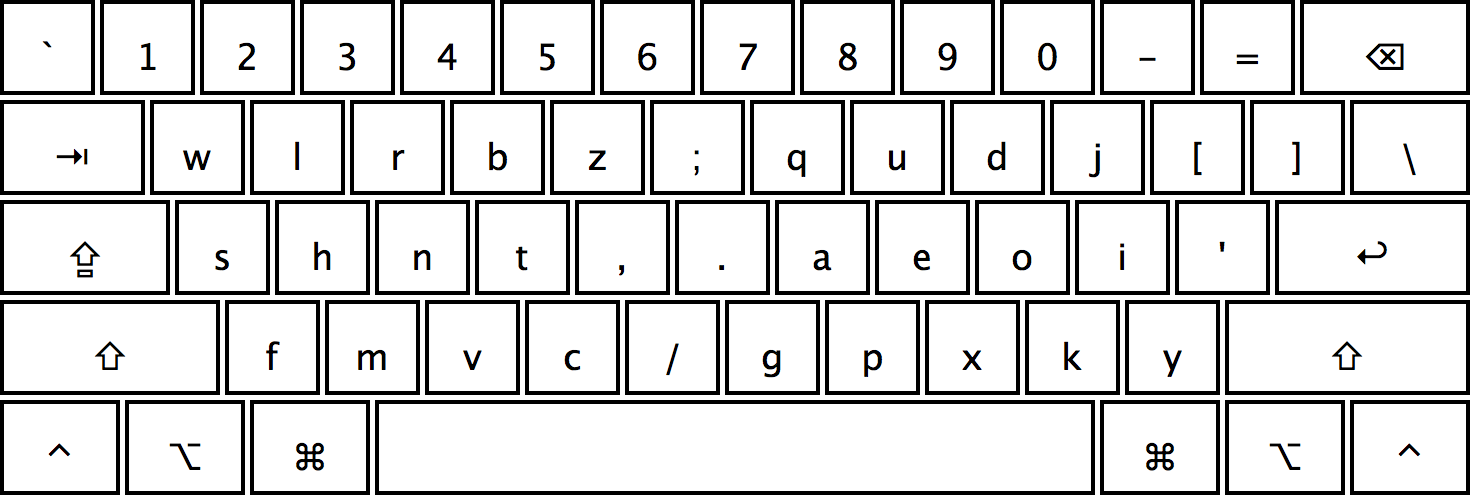
I would like to give it a try, although probably on a keyboard where I can change the keys around rather than on my Makers Mac! There are lots of advantages to this layout compared to QWERTY. You can read more about it here from Nikolay Nemshilov who created it, and here is the link to the github repo if you want to give it a try!
I also was looking for a way for Spotify to display what was playing without me having to go into the app, and I came across a program someone had written. Here is the program. No the track info is displayed in the menu bar at the top of my screen, and I can control the music from there. Much easier!
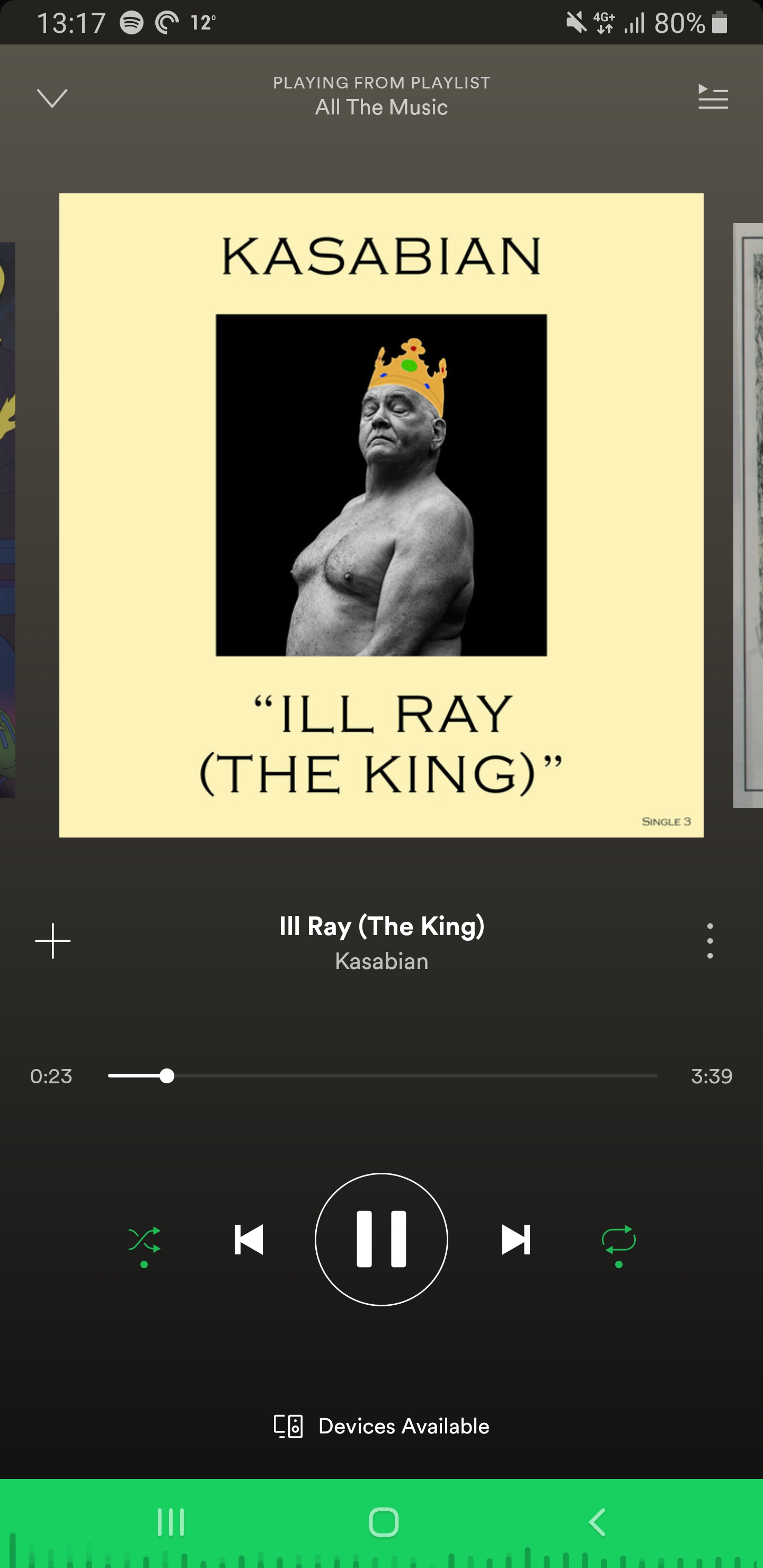
Speaking of Spotify, here is the song of the day, one that always gets me hyped up:
 Josh's Blog